Insights & Updates
Stay informed with our latest thoughts on technology, business trends, and industry insights. Learn from our experiences and discover new approaches to software development.

Caching Strategies with Redis
Speed is everything. Caching helps your apps load faster by taking the heavy lifting off your database. Redis is a top choice for this because it’s fast, stores data in memory, and handles complex data structures easily. This article covers the best ways to use Redis to make your apps faster and more reliable.


UML Diagram Tools for Architects
UML tools are essential for keeping complex projects organized and ensuring everyone is on the same page. Whether you go for a heavy-duty suite like Enterprise Architect or a lightweight tool like Modelio, the important thing is to bake it into your process. Treat diagrams as dynamic, useful parts of your project, not just static pictures. This leads to better-coordinated, more resilient architectural work.


Introduction to AWS CDK
The AWS Cloud Development Kit (AWS CDK) helps you manage cloud infrastructure using standard programming languages. It bridges the gap between your application code and the cloud resources it needs. This guide walks you through the basics of how CDK works, its benefits, and how to get started.

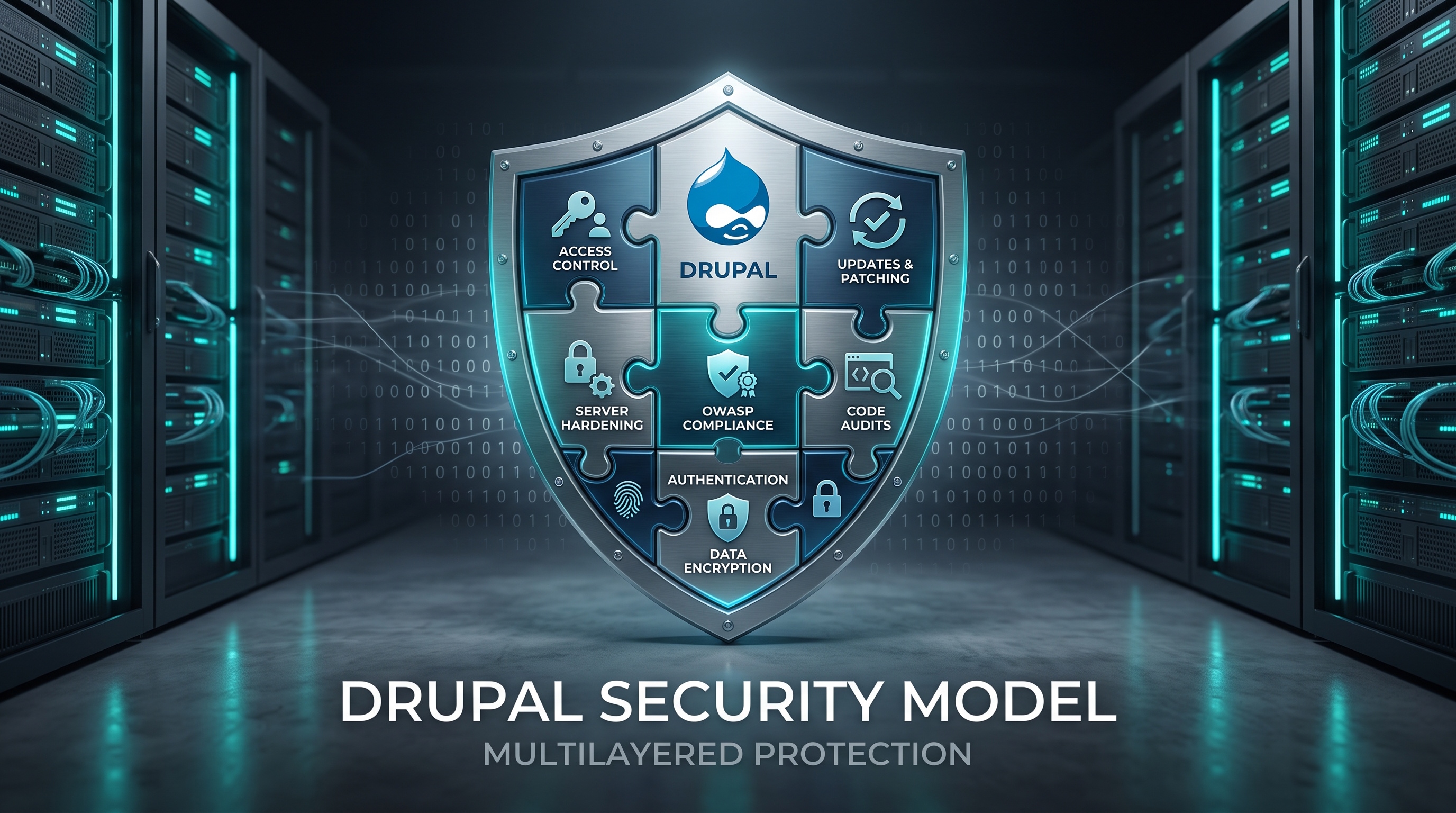
Security Best Practices for Drupal
Drupal is a solid platform. If you keep your code updated, control access, secure your server, and watch for threats, you can keep your site safe. Regular audits and a good response plan are key to long term stability.
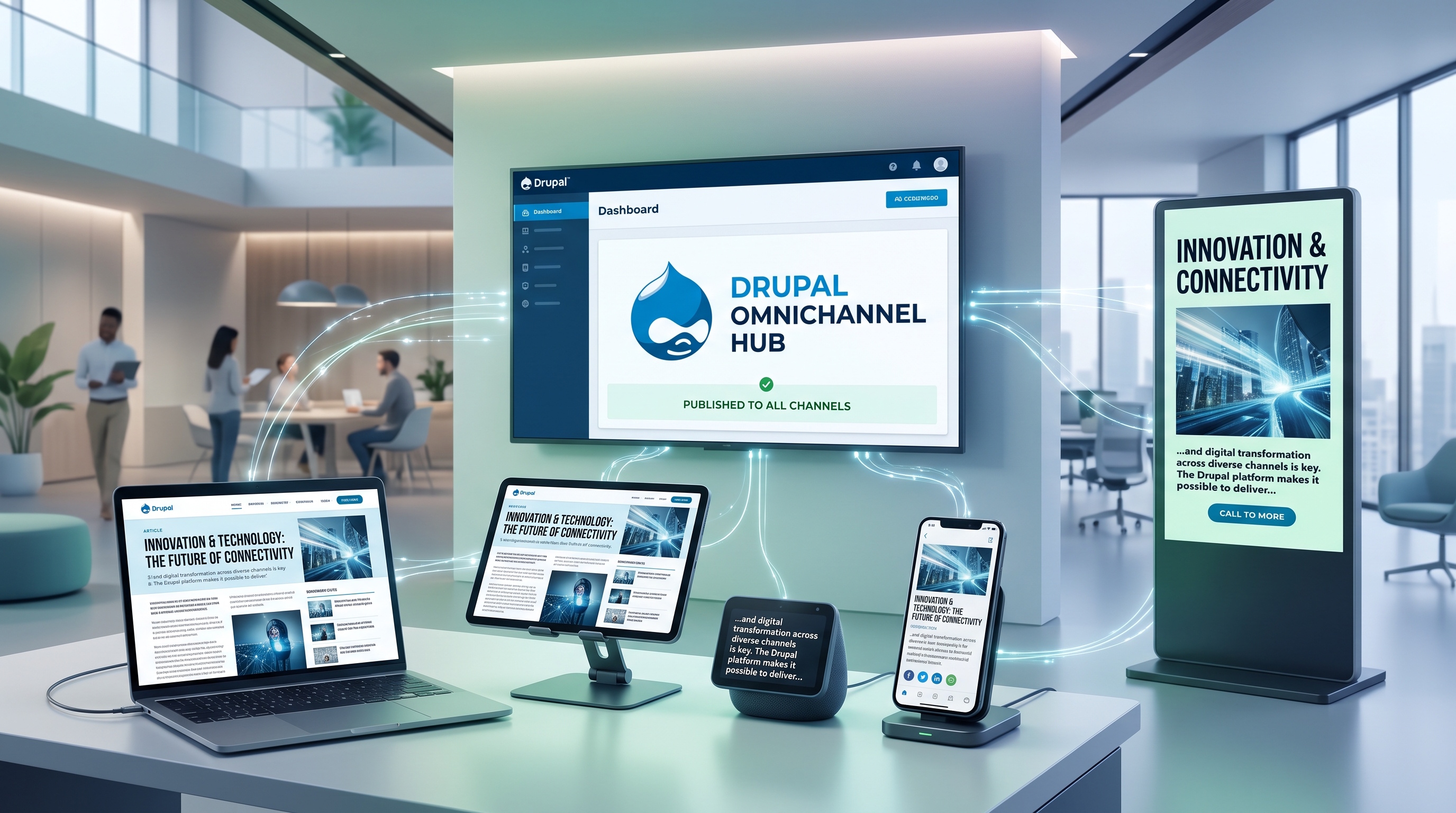
Drupal’s Role in Omnichannel Publishing
Drupal is a natural choice for omnichannel publishing because of its flexible design and powerful APIs. By handling content in one place, you stay consistent, launch faster, and give your customers a much better experience. Investing in Drupal means setting up a solid foundation that grows with your audience.

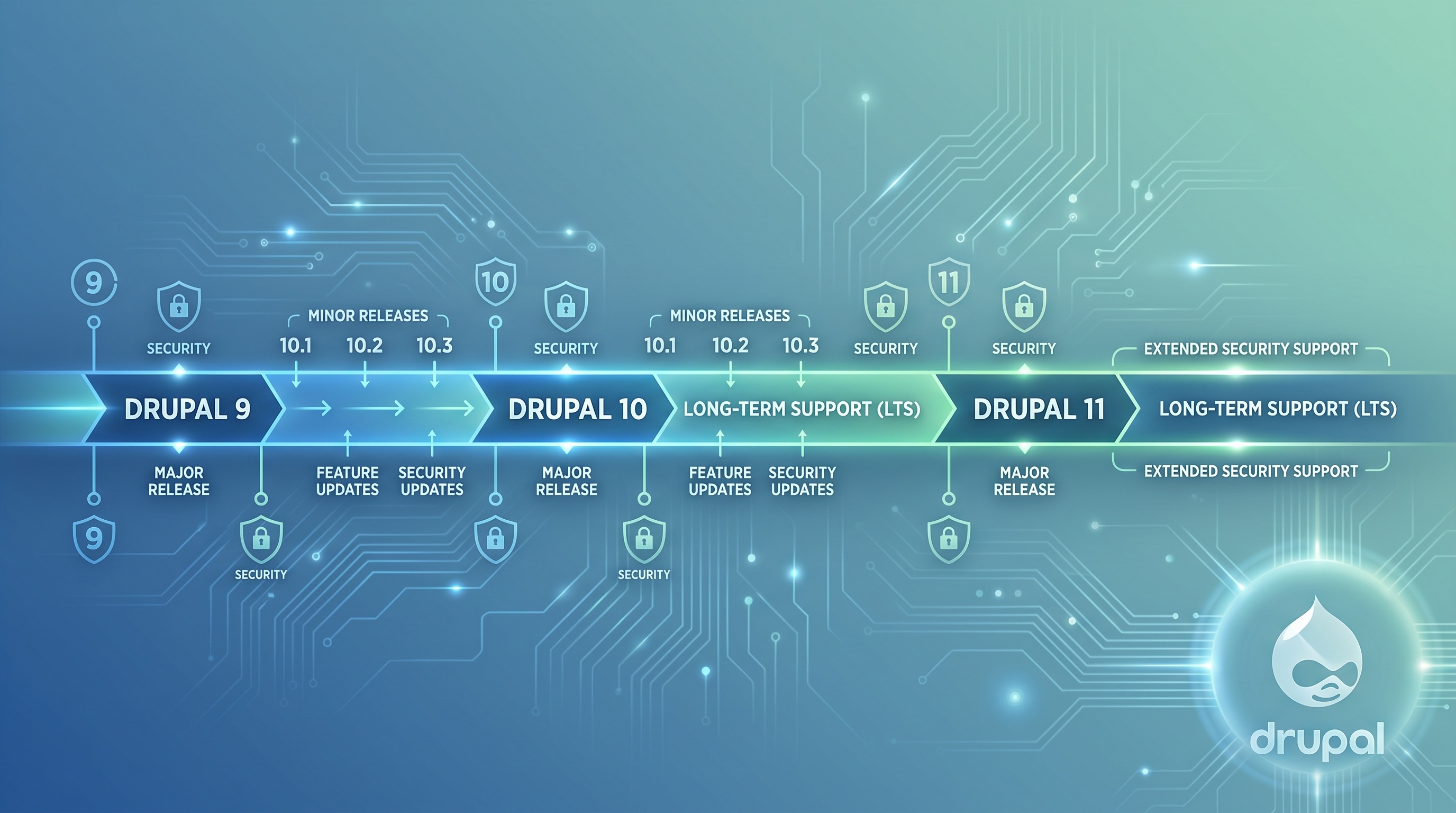
Drupal's Release Cycle and LTS Versions
Drupal is a flexible content management system, and its longevity comes from a predictable update schedule and long-term support options. Understanding how versions move from development to stable release is key for site owners, developers, and project managers. This guide covers how Drupal's release cycle works, what the support windows look like, and how to manage upgrades and LTS installations.
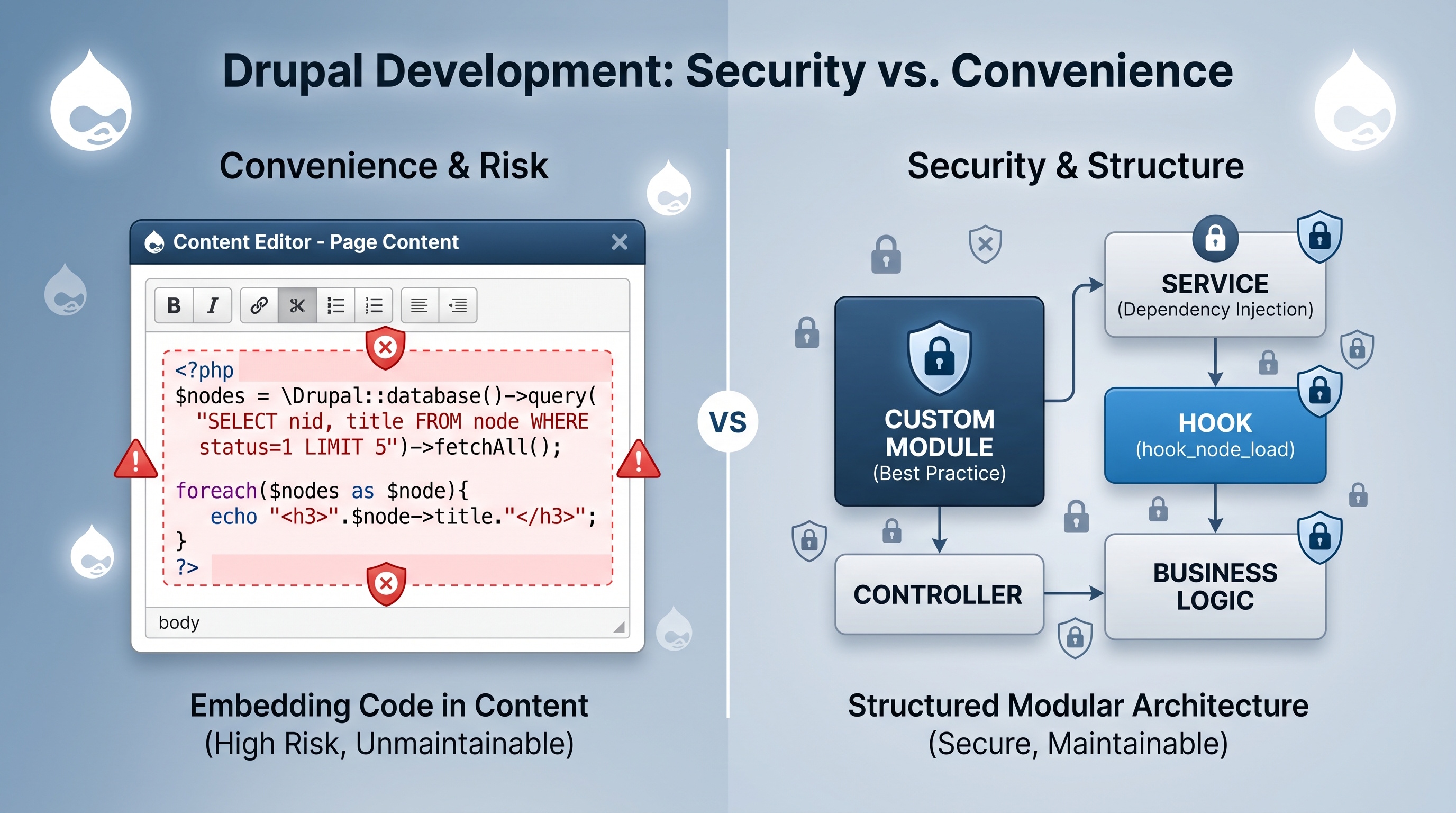
Drupal’s PHP Filter vs. Custom Modules
The PHP filter might seem like a quick fix, but it usually creates more problems than it solves. Custom modules take a little more work to set up, but they keep your site safe, fast, and easy to maintain. Unless you are just testing something very simple on a private site, stick to custom modules. Your future self will thank you for keeping the code organized and secure.
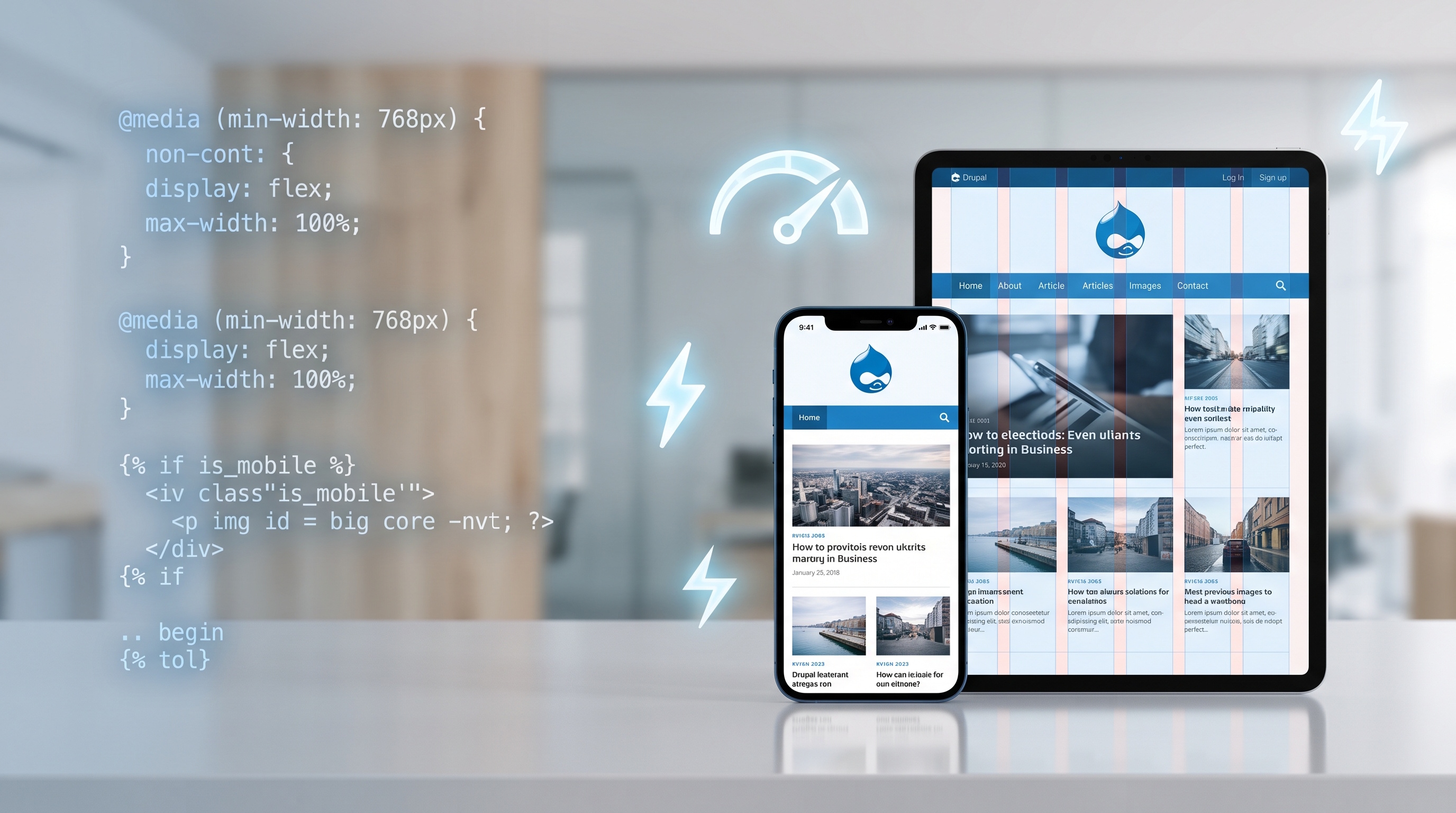
Making Your Website Mobile-First with Drupal
Drupal makes it easy to build mobile-first sites with its themes, image tools, and fast architecture. If you prioritize your content and test it thoroughly, you can create a great experience on any device. Since Drupal is flexible, your site can grow as mobile technology changes.

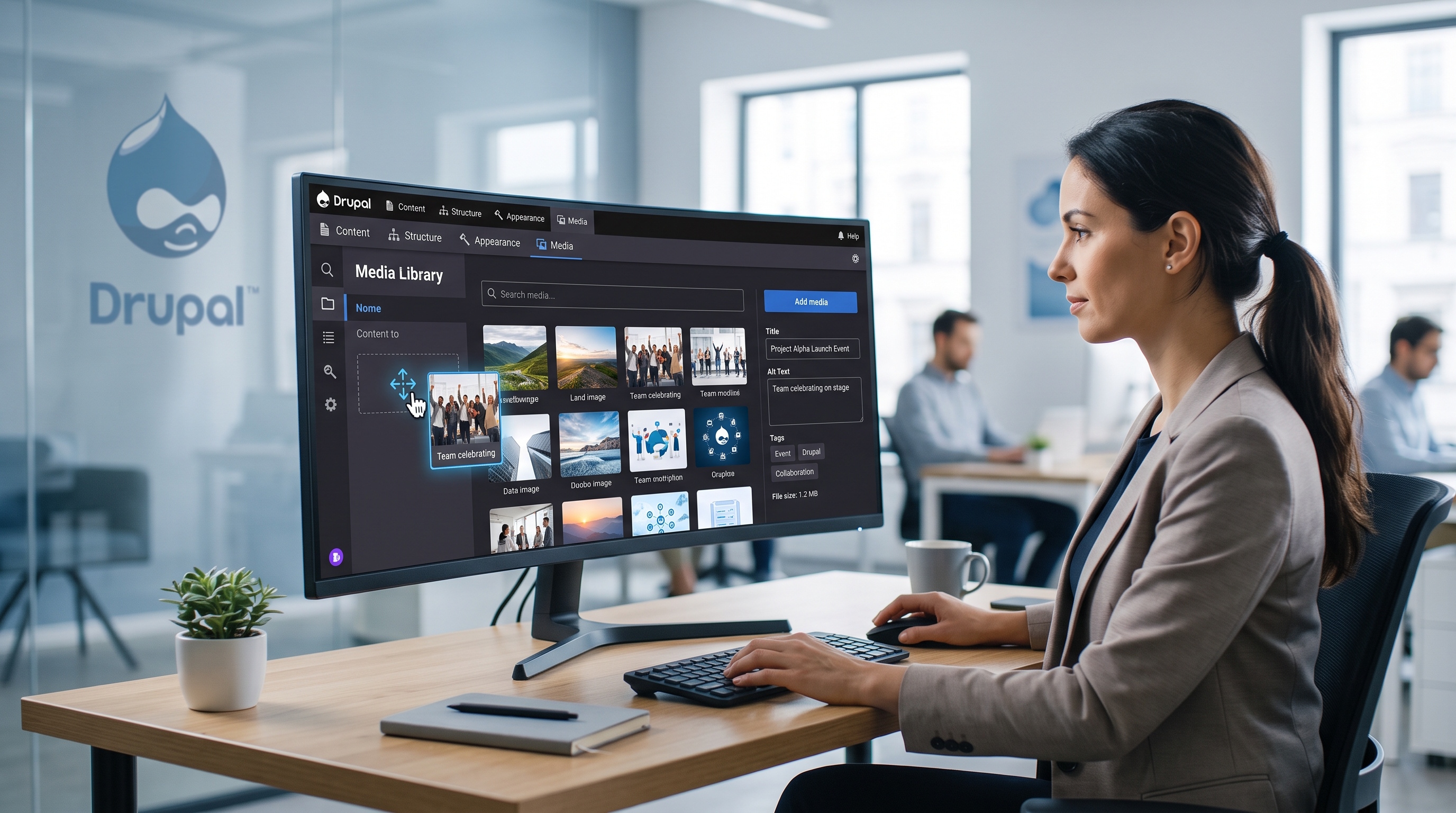
Drupal’s Media Library in Action
Drupal’s Media Library is a flexible tool that makes managing assets easier and site performance better. If you understand the basics and stick to a clean setup, you can build a reliable system for your team. Because it is modular, you can always expand it as your needs grow, whether that is through custom plugins or new automated workflows.