Articles & Practical Guides
Engineering tips, technical tutorials, and real-world software advice from our team.
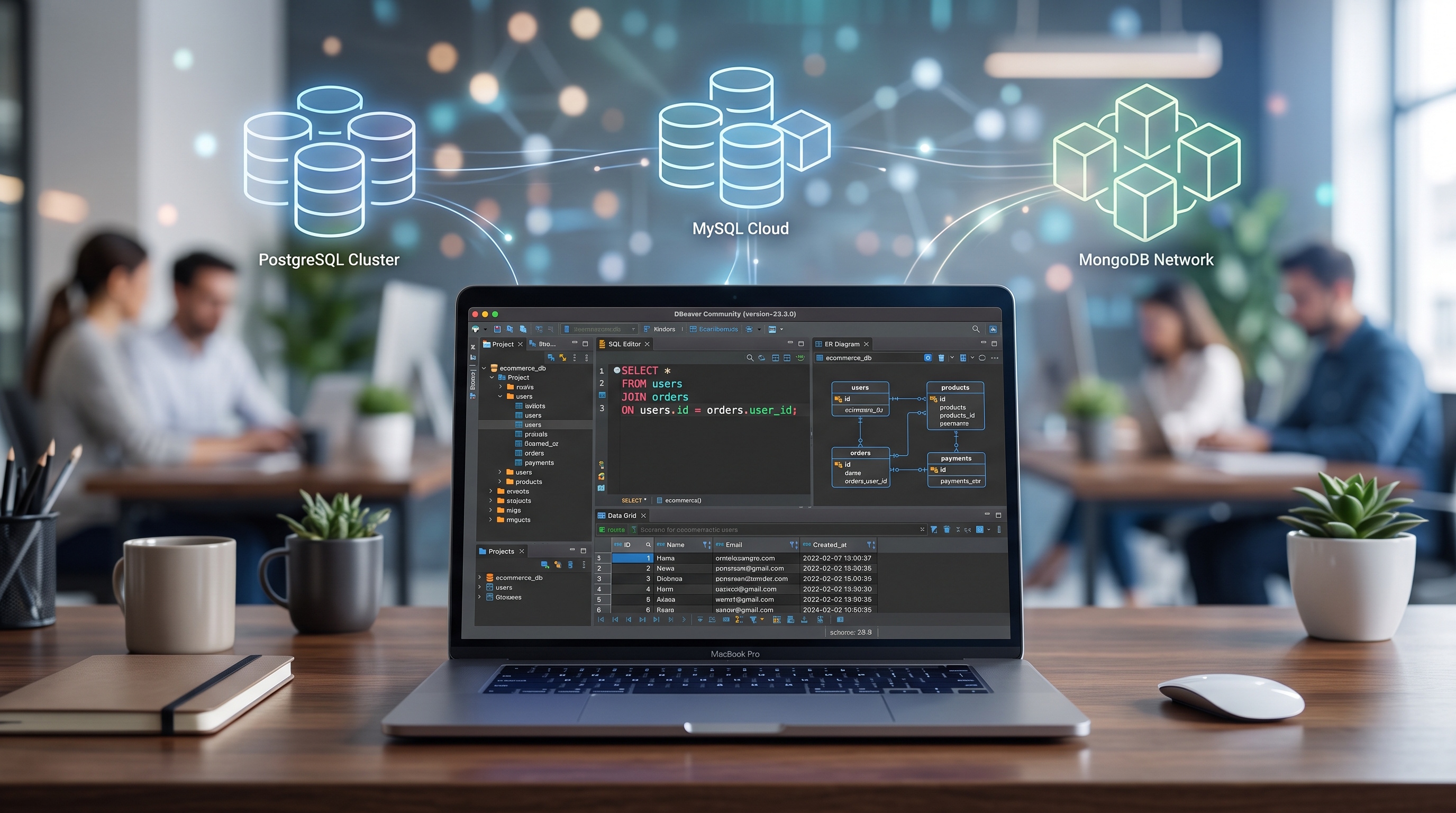
Using DBeaver for Database Management
DBeaver is an essential tool for everyday database operations. Its clean interface and deep feature set help you query, model, and manage data efficiently across any database platform.

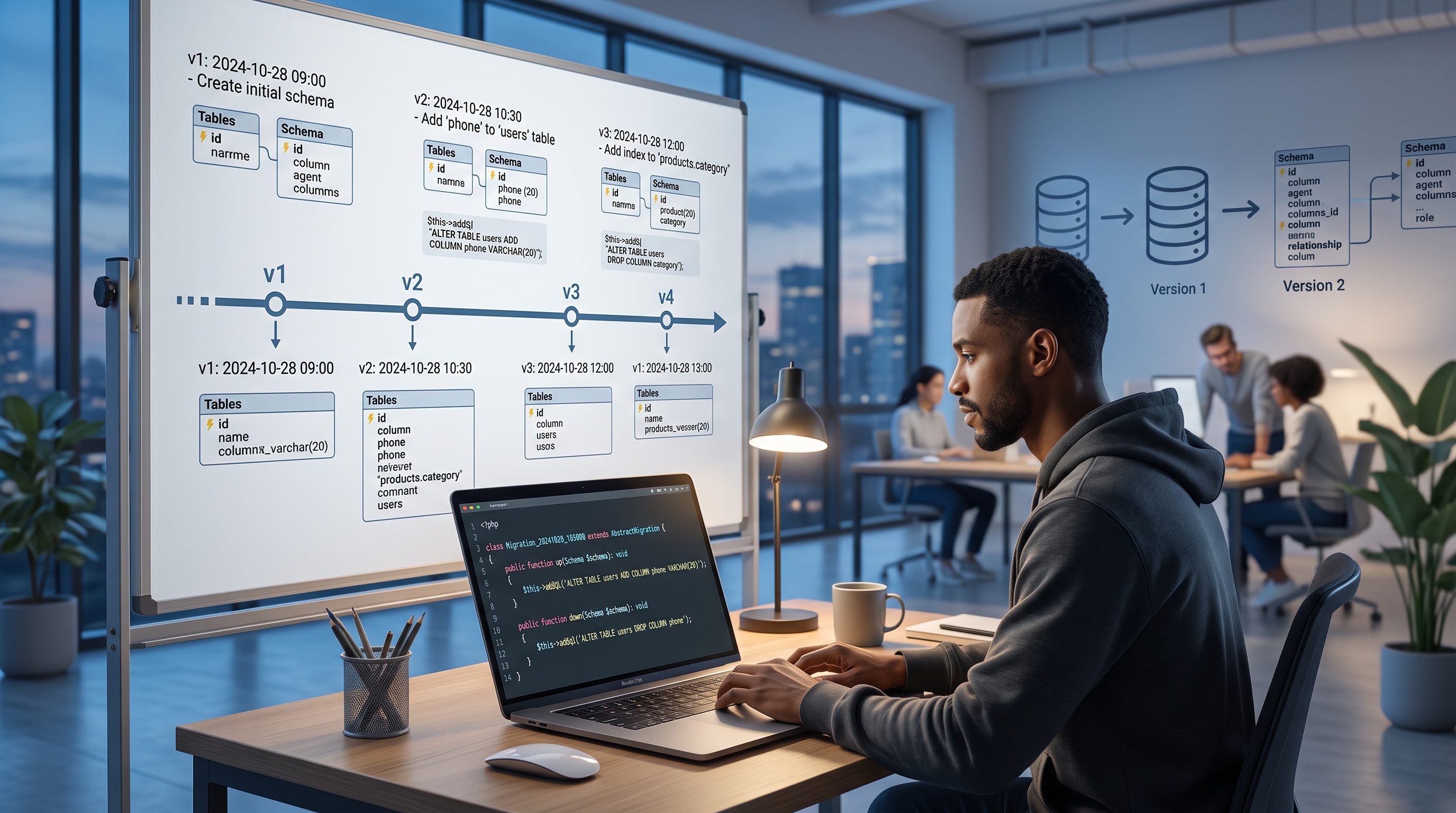
Database Migrations with Doctrine
Doctrine Migrations provides a clear, reliable way to manage database changes across your team. By generating, executing, and tracking schema updates in source control, you avoid manual database tweaks and deployment surprises. Stick to clean practices and handle edge cases early to keep your database migrations fast, safe, and reproducible.
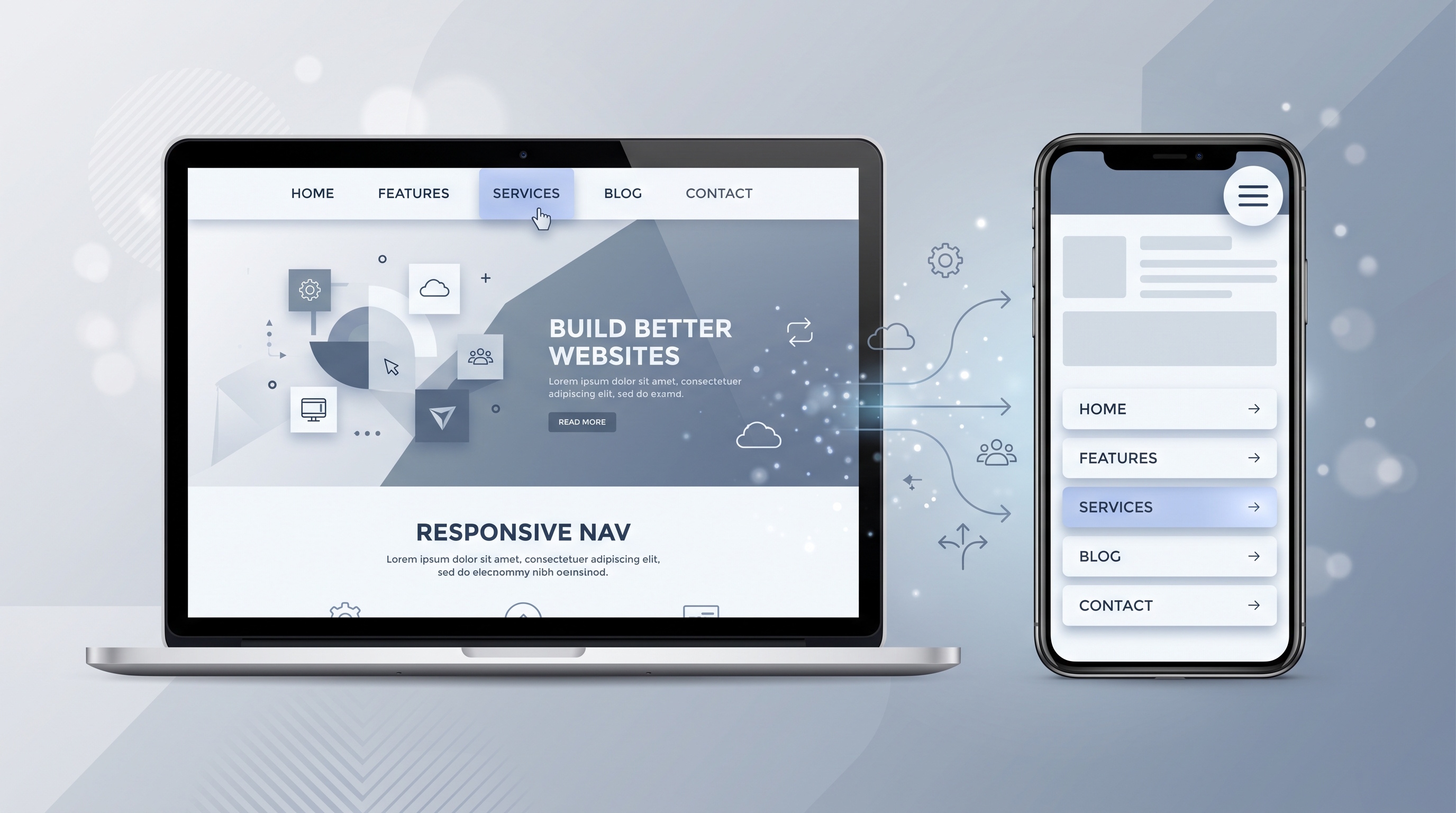
Building a Responsive Navigation Menu
Making a menu responsive takes more than squishing a desktop bar onto a smaller display. You need flexbox or grid layouts, large tap targets, clear keyboard controls, and sensible fallback styling. By combining clean HTML, straightforward CSS, and a small snippet of JavaScript, you can build a menu that is fast, accessible, and painless to use on any device.
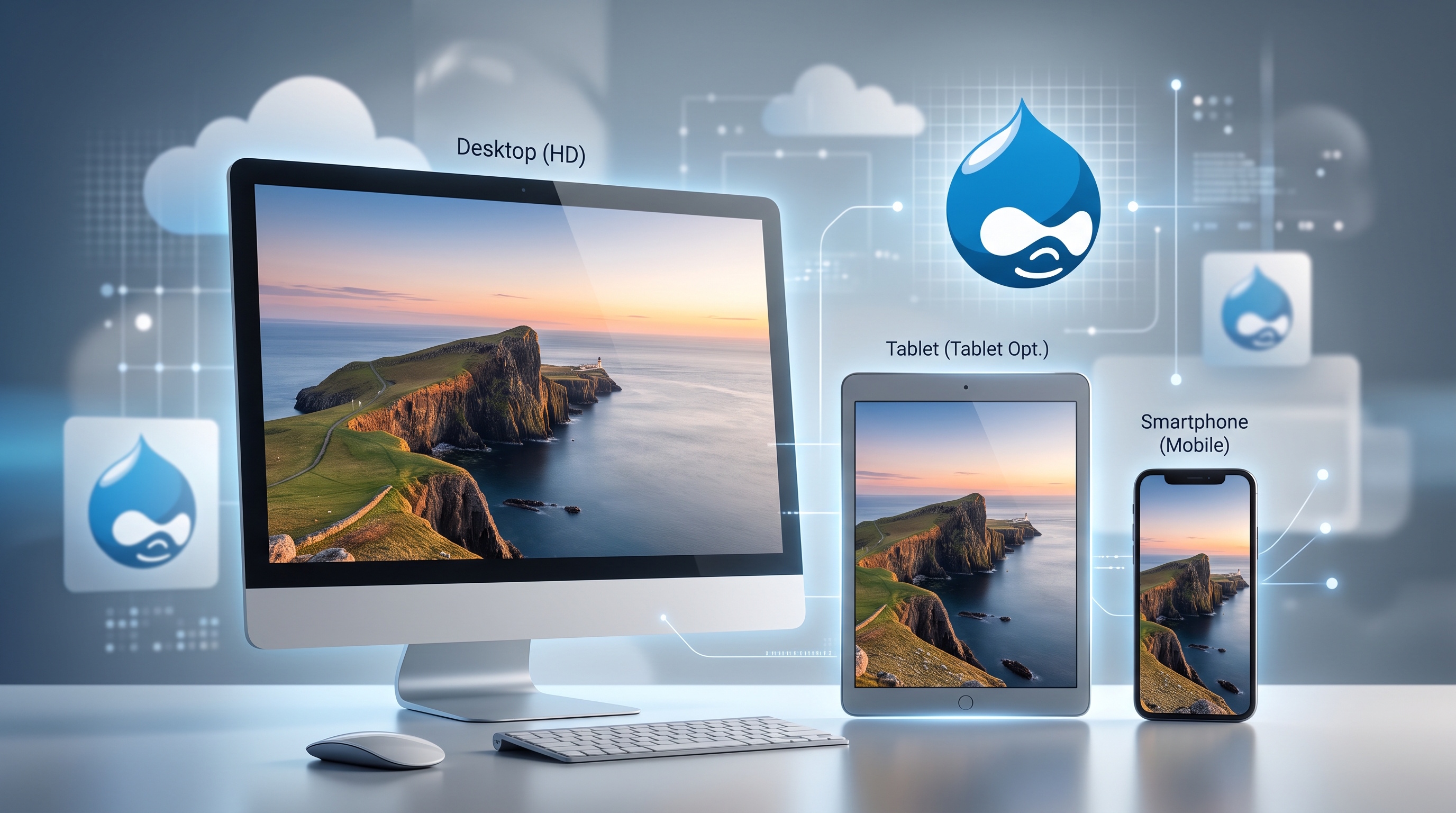
Drupal’s Support for Responsive Images
Responsive images are standard in web design now. Screen sizes vary widely, from high-resolution desktop monitors to small phones. Serving appropriately sized images keeps your site fast, accessible, and easy to use. Drupal handles responsive images natively through core features and configuration, so you rarely need custom code. Here is how its setup works, from configuration and themes to performance and future updates.
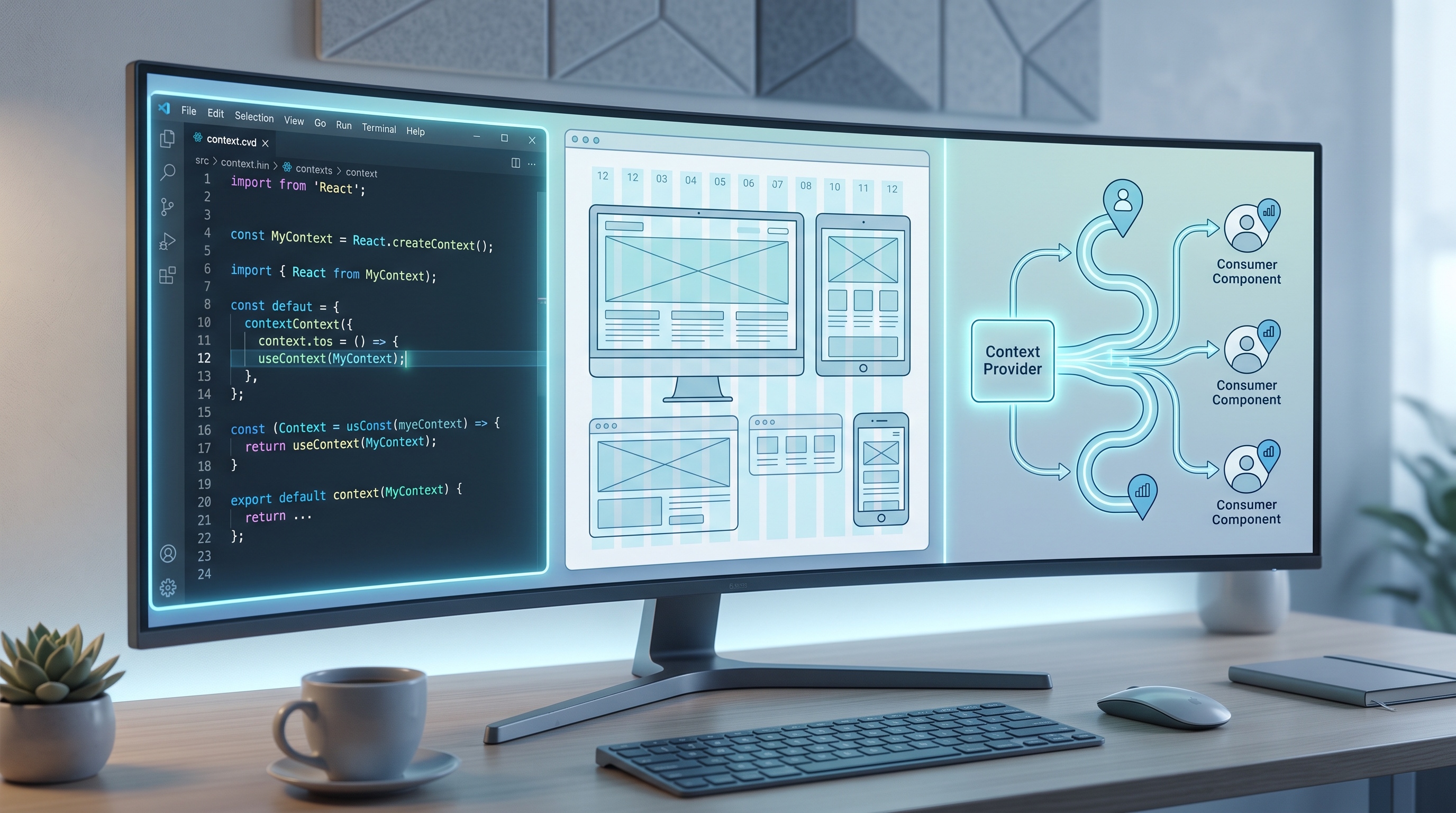
Using Context Module to Control Layouts
Context modules give you a clean way to manage app layout without prop drilling or messy global state. By isolating state, writing clear types, and scoping providers carefully, you keep your codebase maintainable and responsive. Paired with sensible performance monitoring and thorough testing, context modules make scaling UI architecture straightforward across React, Angular, and Vue.
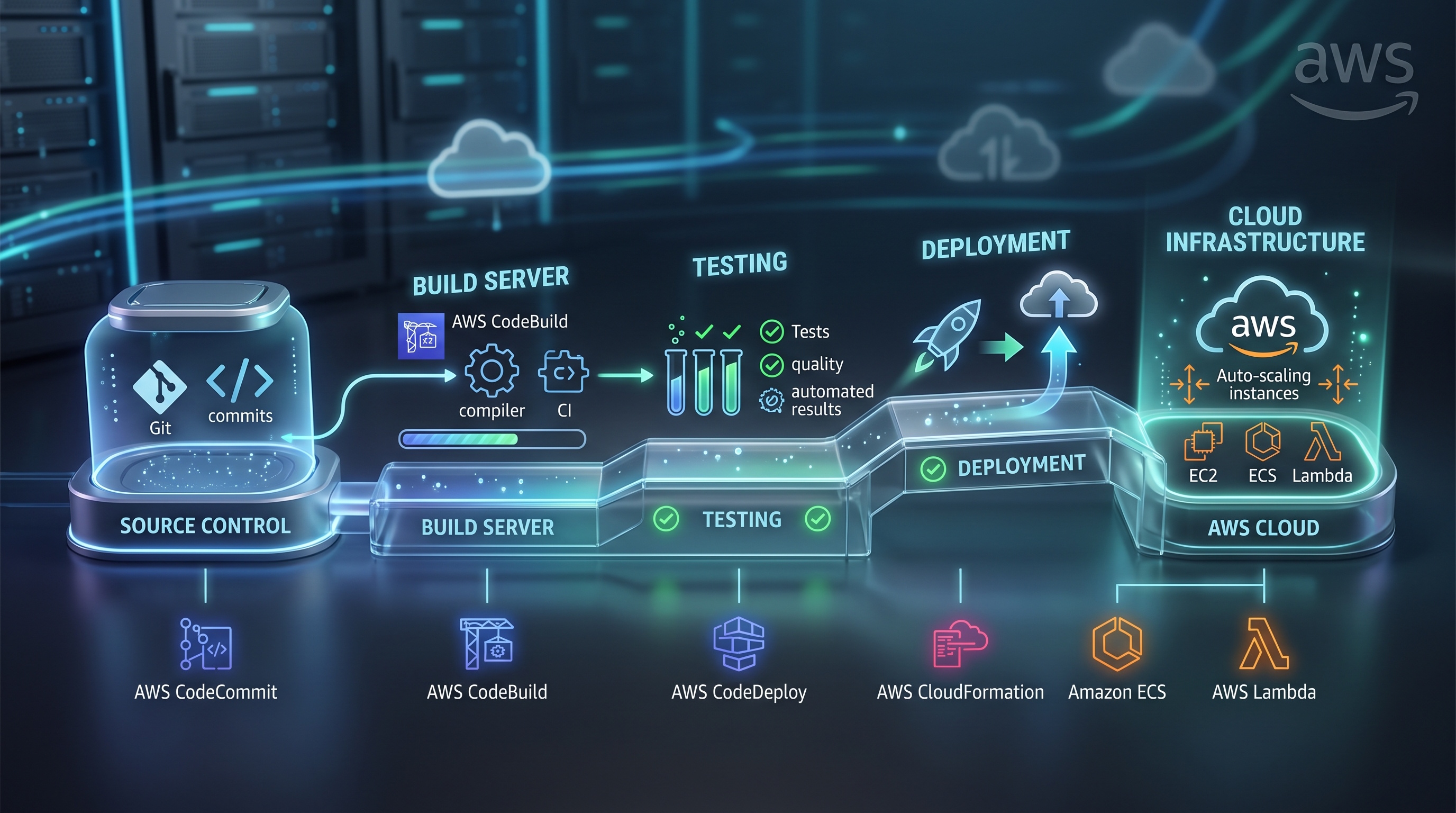
CI/CD with CodePipeline and CodeBuild
Building a CI/CD workflow with AWS CodePipeline and CodeBuild gives software teams a straightforward way to automate releases. By keeping stages focused, locking down IAM access, and monitoring pipeline health, you can ship code quickly without sacrificing stability or taking on heavy infrastructure management.
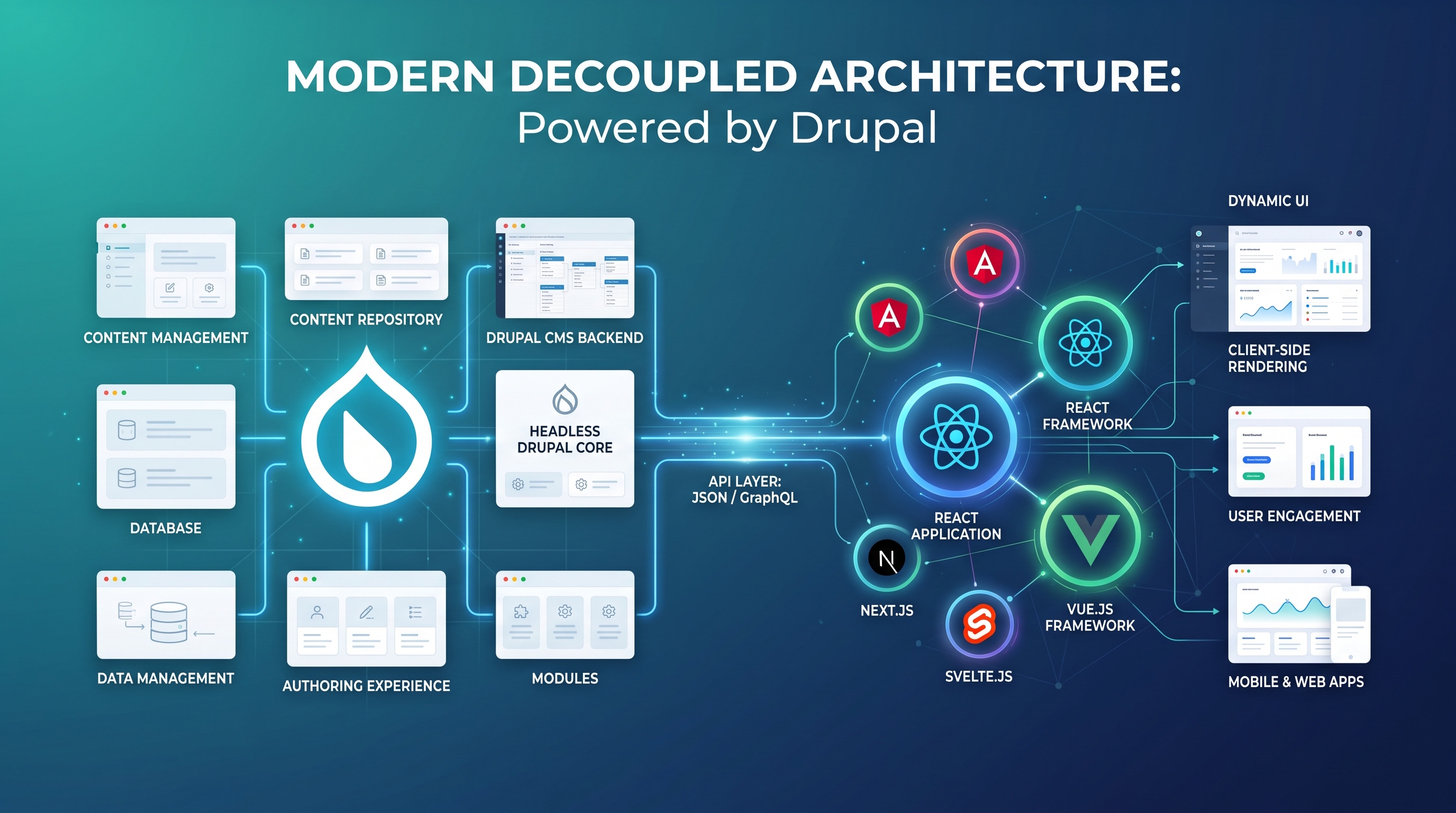
Drupal’s Support for Decoupled Architectures
Decoupled architectures allow teams to build fast, flexible digital experiences across devices while keeping a powerful CMS back end. With native API tools, flexible content modeling, and dynamic rendering patterns, Drupal offers a clear path for headless development.


Creating Custom Blocks for Dynamic Content
Custom blocks form the backbone of modern interactive websites. Defining clear schemas, isolating data logic, and building clean templates gives content teams complete editing freedom while maintaining solid site performance. Following these steps ensures your custom blocks stay clean, reliable, and easy to maintain as your platform grows.


Debounce and Throttle in JS
Debounce and throttle are your best tools for managing event-heavy code. Debounce is for "finished" actions, and throttle is for "continuous" updates. Use them to keep your interfaces smooth without hogging the CPU.