

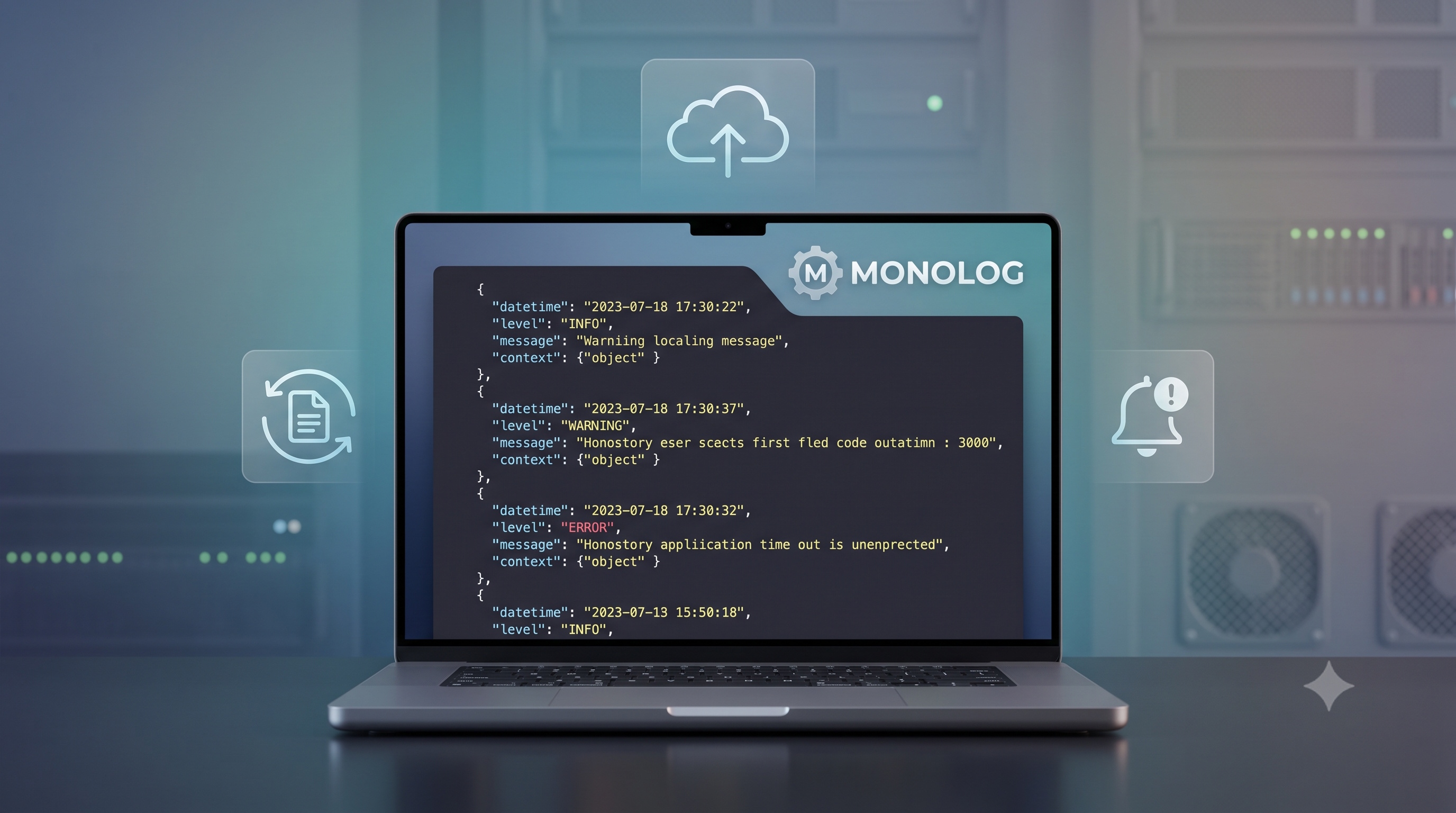
Logging is a cornerstone of reliable software development. It provides visibility into application behavior, aids in troubleshooting, and supports compliance requirements. In the PHP ecosystem, Monolog has become the de-facto standard for structured, flexible logging. This article explores the core concepts of Monolog, walks through a typical setup, and presents advanced techniques that help you extract maximum value from your logs.
Why Structured Logging Matters
Unstructured log messages make it difficult to aggregate, search, and analyze data across distributed systems. Structured logging solves these problems by emitting logs in a consistent, machine-readable format such as JSON. The benefits are tangible:
- Searchability : Centralized log platforms can index fields and enable fast queries.
- Correlation : Unique identifiers like request IDs can be attached to every log entry, linking related events across services.
- Alerting : Thresholds can be defined on numeric fields (e.g., response time) to trigger alerts automatically.
- Compliance : Structured logs can include mandatory metadata for audit trails.
Monolog supports a wide range of handlers and formatters that make structured logging straightforward, regardless of the storage backend you choose.
Getting Started with Monolog
Installation
Monolog is distributed via Composer. Follow these steps to add it to a new or existing project:
1. Open a terminal at the root of your project.
2. Run the Composer command: `composer require monolog/monolog`.
3. Verify the installation by checking the `vendor/monolog/monolog` directory.
The package includes the core Logger class, a collection of handlers, formatters, and processors.
Basic Configuration
A minimal Monolog setup requires three components: a logger instance, a handler, and a formatter (optional). The following example demonstrates how to create a logger that writes JSON-encoded messages to a rotating file.
```php
<?php
use Monolog\Logger;
use Monolog\Handler\RotatingFileHandler;
use Monolog\Formatter\JsonFormatter;
// Create a logger named "app"
$log = new Logger('app');
// Configure a rotating file handler (keeps 7 days of logs)
$fileHandler = new RotatingFileHandler(__DIR__.'/logs/app.log', 7, Logger::DEBUG);
// Use a JSON formatter for structured output
$fileHandler->setFormatter(new JsonFormatter());
// Attach the handler to the logger
$log->pushHandler($fileHandler);
// Example log entry
$log->info('User login successful', ['user_id' => 42, 'ip' => '192.168.1.10']);
```
Key points to note:
- The logger name (`app`) groups related log streams.
- The handler determines where logs are stored; rotating files prevent unbounded growth.
- The formatter controls the output format; JSON is ideal for downstream processing.
Advanced Handlers and Processors
Monolog’s flexibility shines when you need to route logs to multiple destinations or enrich them with contextual data.
Common Handlers
Monolog ships with handlers for many popular services. Choose the ones that align with your infrastructure:
- StreamHandler : Writes plain text to any writable stream (e.g., `php://stdout`).
- FirePHPHandler : Sends logs to the FirePHP extension for browser debugging.
- SlackWebhookHandler : Posts critical alerts to a Slack channel.
- MongoDBHandler : Persists logs directly into a MongoDB collection.
- ElasticSearchHandler : Indexes logs in Elasticsearch for powerful search capabilities.
You can attach several handlers to a single logger, allowing different severity levels to be directed to different targets.
Using Processors
Processors are callbacks that modify log records before they reach handlers. They are ideal for adding consistent metadata such as request identifiers, memory usage, or user information.
```php
<?php
use Monolog\Processor\UidProcessor;
use Monolog\Processor\MemoryUsageProcessor;
// Add a unique identifier to each log entry
$log->pushProcessor(new UidProcessor());
// Record memory usage at the time of logging
$log->pushProcessor(new MemoryUsageProcessor());
```
Custom processors can be created by implementing a callable that receives the `$record` array and returns the modified array. This pattern enables you to inject application-specific context without scattering code throughout your business logic.
Best Practices for Production Environments
Deploying Monolog in a production setting requires careful planning. Follow these guidelines to maintain performance and reliability:
- Separate Concerns : Use distinct loggers for different subsystems (e.g., authentication, payment) to simplify filtering.
- Level Discipline : Reserve `DEBUG` for development, `INFO` for routine operations, `WARNING` for recoverable issues, `ERROR` for failures, and `CRITICAL` for system-wide outages.
- Asynchronous Logging : When latency is a concern, employ handlers that queue messages (e.g., `BufferHandler` or external services like RabbitMQ) to avoid blocking the request thread.
- Log Rotation and Retention : Configure handlers to rotate files based on size or date, and define a retention policy that complies with legal requirements.
- Secure Sensitive Data : Mask or exclude personally identifiable information (PII) before logging. Use a processor that scrubs fields such as passwords or credit-card numbers.
- Centralized Aggregation : Forward logs to a centralized platform (ELK stack, Graylog, Splunk) to enable correlation across microservices.
Testing and Debugging
Effective logging starts with confidence that your configuration works as intended. Incorporate these practices into your development workflow:
- Unit Tests – Mock handlers to assert that log messages are emitted with the correct level and context.
- Integration Tests – Spin up a lightweight log collector (e.g., a local Elasticsearch instance) and verify that structured logs are indexed correctly.
- Runtime Inspection – During local development, attach a `StreamHandler` that writes to `php://stdout` so logs appear in the console.
- Performance Profiling : Measure the overhead of logging in high-traffic code paths; consider disabling verbose handlers in production.
By validating logging behavior early, you avoid silent failures that could obscure critical issues later.
Conclusion
Monolog offers a comprehensive, extensible framework for logging in PHP applications. Its rich set of handlers, formatters, and processors enables developers to adopt structured logging, route messages to appropriate destinations, and enrich logs with valuable context. When combined with best-practice guidelines-such as disciplined log levels, asynchronous handling, and secure data handling-Monolog becomes a powerful ally in maintaining observability, debugging complex issues, and meeting compliance standards. Investing time to configure Monolog correctly pays dividends throughout the software lifecycle, from development to production monitoring.