

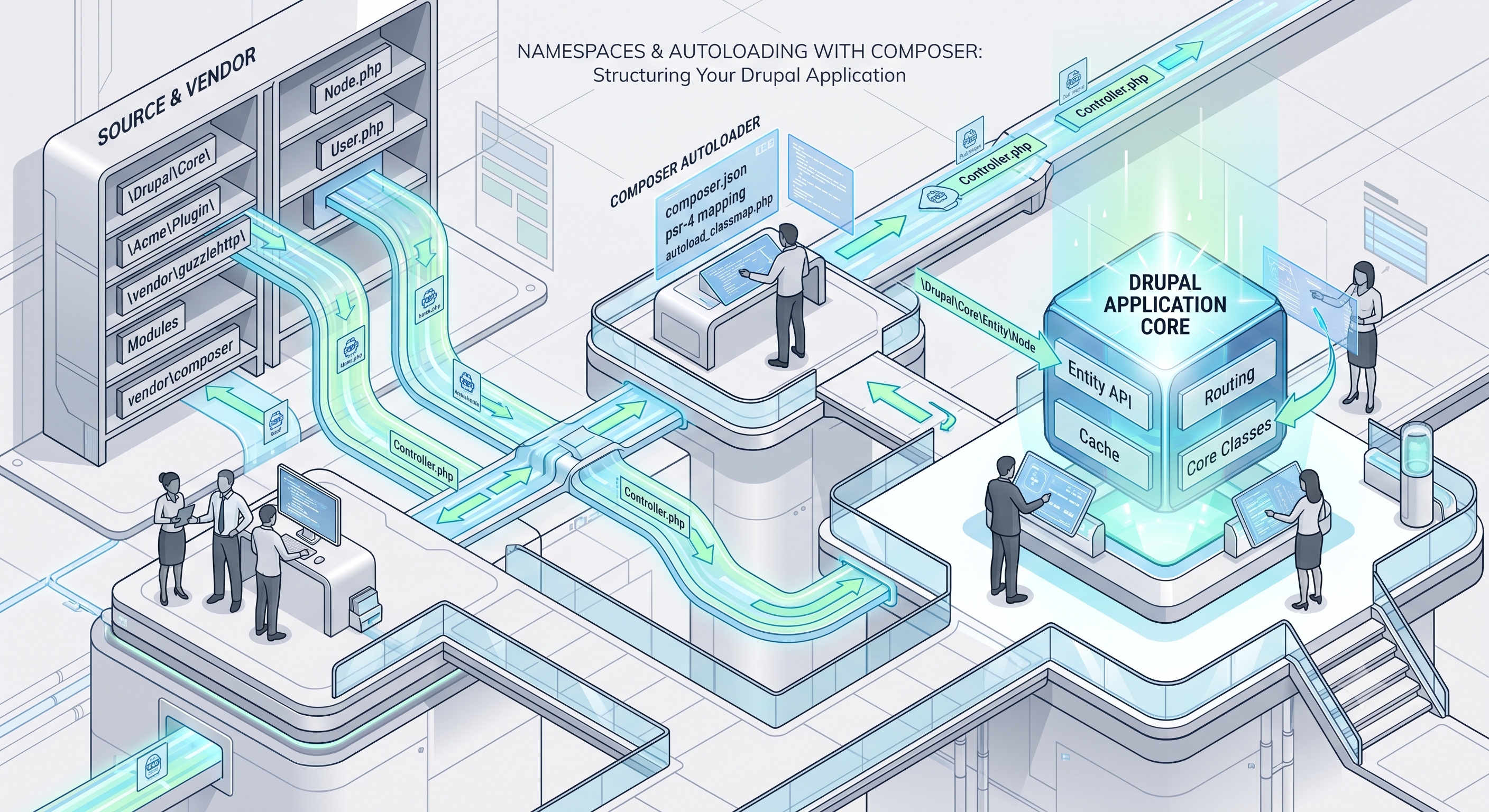
Namespaces and autoloading are fundamental concepts in modern PHP development, significantly improving the organization, scalability, and maintainability of PHP applications. Composer, with its robust autoloading capabilities, plays a central role in leveraging these concepts. By understanding how to effectively use namespaces and configure autoloading with Composer, developers can write cleaner, more efficient code and manage project dependencies with ease. As PHP continues to evolve, mastering these skills will remain essential for building high-quality, professional PHP applications.
Introduction
In the world of PHP development, managing dependencies and organizing code is crucial for maintaining a clean, scalable, and efficient project structure. One of the key tools that has revolutionized the way PHP developers manage dependencies is Composer. Composer not only simplifies the process of dependency management but also provides a robust mechanism for autoloading classes, which is essential for leveraging namespaces effectively. In this article, we will delve into the concepts of namespaces and autoloading, exploring how Composer facilitates these processes to enhance your PHP applications.
Understanding Namespaces
What are Namespaces?
Namespaces in PHP are a way to group related classes, interfaces, functions, and constants under a unique identifier. This helps in avoiding naming conflicts when using third-party libraries or when working on large projects where multiple developers might inadvertently use the same class or function names. Namespaces are defined using the `namespace` keyword followed by the namespace name.
Benefits of Using Namespaces
- Avoid Naming Conflicts: The primary benefit of namespaces is that they allow developers to use the same class or function names in different parts of their application without conflicts.
- Organization: Namespaces help in organizing code into logical categories, making it easier to understand and maintain large applications.
- Readability: By providing a context to classes and functions, namespaces improve the readability of code, making it clearer where certain classes or functions belong.
Autoloading with Composer
Introduction to Autoloading
Autoloading is a feature in PHP that allows classes to be loaded automatically when they are needed, without the need for explicit `include` or `require` statements. This simplifies the development process by eliminating the need to manually include every class file.
How Composer Autoloading Works
Composer uses the `autoload` section in the `composer.json` file to configure autoloading. There are several types of autoloading that Composer supports, including PSR-4, PSR-0, classmap, and files.
#### PSR-4 Autoloading
PSR-4 is the recommended way to autoload classes with Composer. It specifies a mapping from namespaces to directories, allowing for more flexibility and performance compared to PSR-0. To use PSR-4 autoloading, you define a namespace prefix and the directory where the classes for that namespace are located.
```json
{
"autoload": {
"psr-4": {
"App\\": "app/"
}
}
}
```
In this example, any class that belongs to the `App` namespace will be looked for in the `app` directory.
#### PSR-0 Autoloading
While PSR-4 is the preferred method, Composer still supports PSR-0 for backward compatibility. PSR-0 specifies that each class must be in a file by itself and that the namespace and class name must match the directory and file name. The difference between PSR-4 and PSR-0 is how the namespace to directory mapping is defined.
```json
{
"autoload": {
"psr-0": {
"App_": "app/"
}
}
}
```
#### Classmap Autoloading
For classes that do not follow PSR-4 or PSR-0 conventions, Composer provides the `classmap` autoloading mechanism. This involves scanning directories for classes and generating a map of classes to their locations.
```json
{
"autoload": {
"classmap": ["app/"]
}
}
```
#### Files Autoloading
Sometimes, you might have functions or constants that are not part of a class and thus cannot be autoloaded using the methods described above. Composer allows you to include these files using the `files` autoloading mechanism.
```json
{
"autoload": {
"files": ["app/functions.php"]
}
}
```
Best Practices for Using Namespaces and Autoloading
- Follow PSR Standards: Adhering to PSR-4 or PSR-0 standards helps in maintaining consistency across your project and makes it easier for other developers to understand your codebase.
- Use Composer for Dependency Management: Composer not only handles autoloading but also manages project dependencies, ensuring that your project's requirements are consistently met across different environments.
- Keep the `composer.json` File Organized: A well-organized `composer.json` file is crucial for managing dependencies and autoloading configurations efficiently.
Conclusion
Namespaces and autoloading are fundamental concepts in modern PHP development, significantly improving the organization, scalability, and maintainability of PHP applications. Composer, with its robust autoloading capabilities, plays a central role in leveraging these concepts. By understanding how to effectively use namespaces and configure autoloading with Composer, developers can write cleaner, more efficient code and manage project dependencies with ease. As PHP continues to evolve, mastering these skills will remain essential for building high-quality, professional PHP applications.