

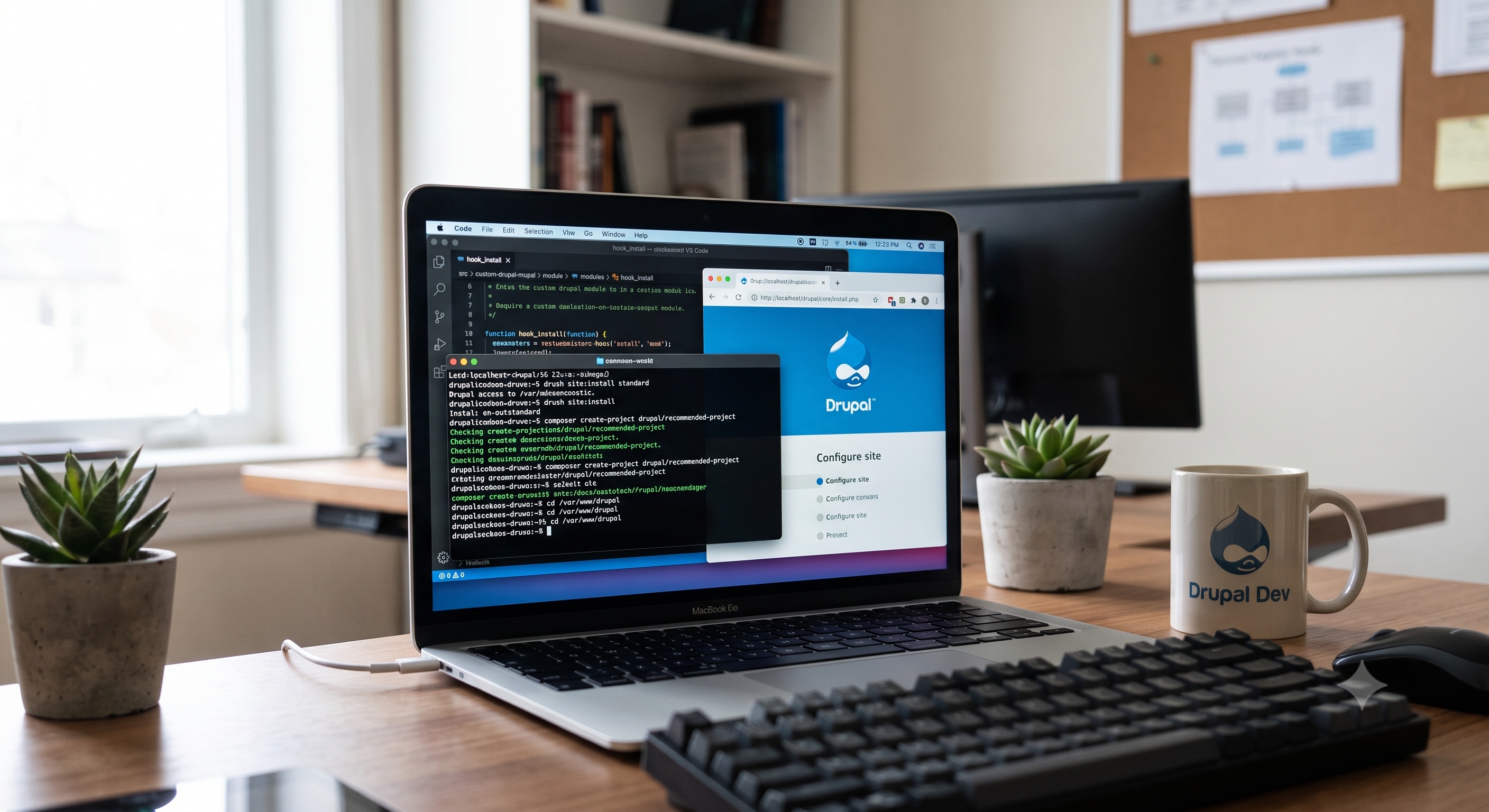
Drupal is a powerful and flexible content management system that allows developers to build complex and customized websites. To efficiently work with Drupal, setting up a local development environment is crucial. A local development environment provides a safe space for developers to experiment, test, and debug their code without affecting the live website. In this article, we will guide you through the process of setting up a local Drupal development environment.
Introduction to Local Development Environments
A local development environment is a self-contained setup that replicates the production environment on your local machine. This setup typically includes a web server, database, and PHP interpreter. Having a local development environment offers numerous benefits, including:
- Faster development and testing
- Improved collaboration among team members
- Enhanced security and reduced risk of errors on the live site
- Ability to work offline
Prerequisites for Setting Up a Local Drupal Environment
Before setting up a local Drupal development environment, ensure you have the following prerequisites:
- A computer with a compatible operating system (Windows, macOS, or Linux)
- A code editor or IDE (Integrated Development Environment) of your choice
- Basic knowledge of command-line interfaces and PHP
Choosing a Local Development Tool
There are several local development tools available, including:
- XAMPP: A popular, open-source tool that provides a complete web development stack
- WAMP: A Windows-specific tool that offers a similar web development stack
- MAMP: A tool specifically designed for macOS, providing a web development stack
- Docker: A containerization platform that allows you to create and manage isolated environments
- Drupal VM: A pre-configured, virtual machine designed specifically for Drupal development
Setting Up a Local Drupal Environment
To set up a local Drupal environment using a local development tool, follow these steps:
1. Download and Install the Local Development Tool: Download the chosen tool from its official website and follow the installation instructions.
2. Configure the Web Server: Configure the web server to point to the directory where your Drupal project will be located.
3. Create a Database: Create a new database for your Drupal project using the tool's database management system (e.g., phpMyAdmin).
4. Download and Install Drupal: Download the latest version of Drupal from the official website and extract it to the project directory.
5. Configure Drupal: Configure Drupal by running the installation script and following the prompts to set up the site.
Using a Virtual Machine or Containerization
Alternatively, you can use a virtual machine or containerization to set up a local Drupal environment. This approach provides a more isolated and reproducible environment, making it ideal for team development and testing.
- Drupal VM: Download and install Drupal VM, then follow the instructions to configure and start the virtual machine.
- Docker: Create a new Docker container using the official Drupal image, then configure and start the container.
Configuring Your Code Editor or IDE
To streamline your development workflow, configure your code editor or IDE to work seamlessly with your local Drupal environment. This may include:
- Setting up Syntax Highlighting: Enable syntax highlighting for PHP, HTML, CSS, and JavaScript files.
- Configuring Debugging Tools: Configure debugging tools, such as Xdebug or PHPStorm's built-in debugger, to step through your code and identify errors.
- Integrating Version Control: Integrate version control systems, such as Git, to manage changes to your codebase.
Best Practices for Local Drupal Development
To ensure a smooth and efficient development experience, follow these best practices:
- Keep Your Local Environment Up-to-Date: Regularly update your local development tool, Drupal core, and contributed modules to ensure you have the latest security patches and features.
- Use a Version Control System: Use a version control system to manage changes to your codebase and collaborate with team members.
- Test and Debug Thoroughly: Test and debug your code thoroughly in your local environment before deploying it to the live site.
Conclusion
Setting up a local Drupal development environment is an essential step in building and maintaining a Drupal website. By following the steps outlined in this article, you can create a robust and efficient local development environment that streamlines your development workflow and ensures a high-quality website. Remember to choose a local development tool that suits your needs, configure your code editor or IDE for optimal productivity, and follow best practices to keep your local environment up-to-date and secure. With a well-configured local Drupal development environment, you'll be well on your way to building and maintaining a successful Drupal website.