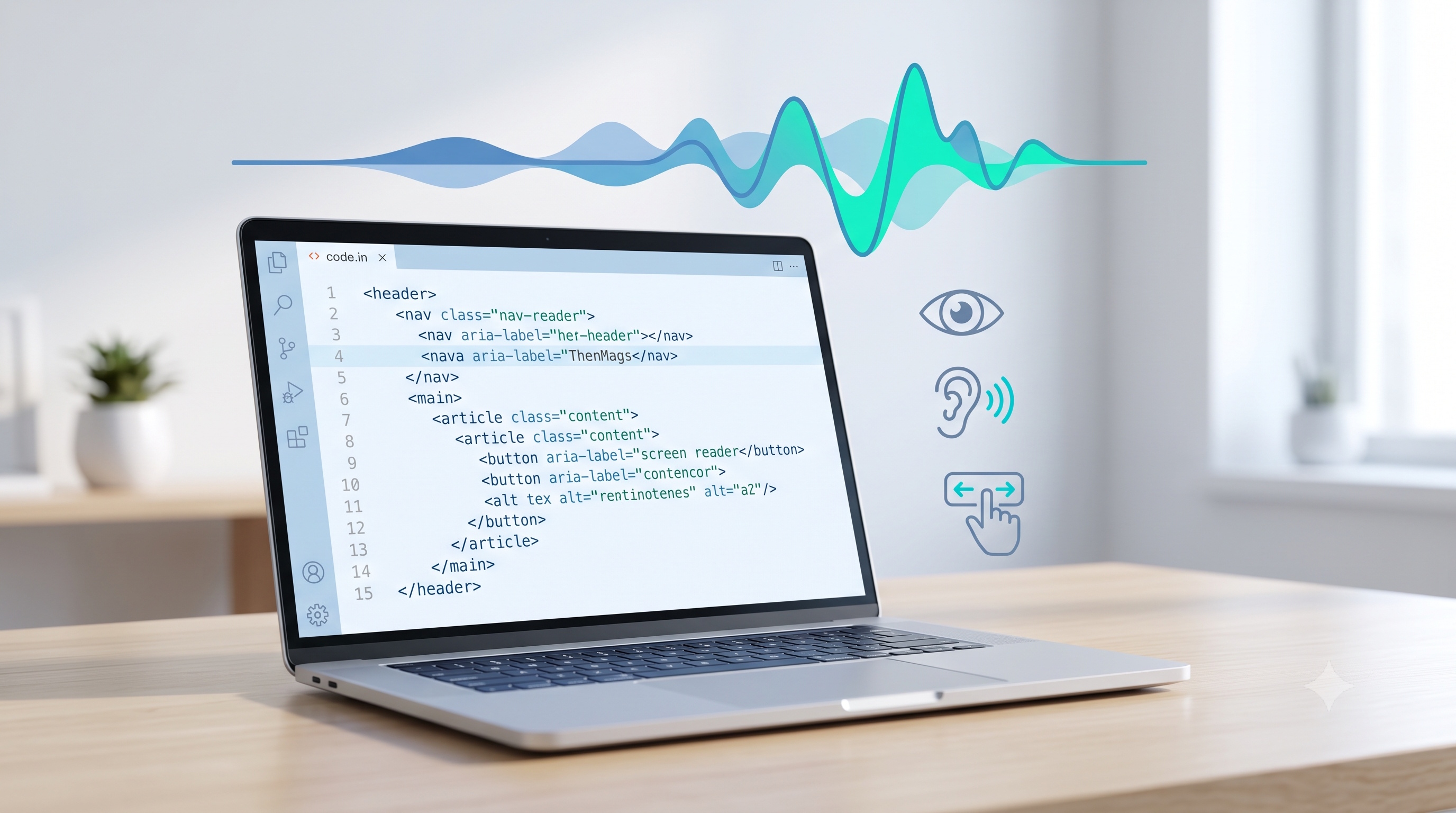
Writing accessible HTML is a disciplined practice that blends semantic markup, thoughtful ARIA usage, keyboard-friendly design, and rigorous testing. By adhering to WCAG principles and integrating accessibility checks into the development pipeline, teams deliver experiences that serve the widest possible audience. The effort invested today reduces future remediation costs, enhances brand reputation, and fulfills legal obligations. Embrace accessibility as a foundational quality attribute, not an afterthought, and the web will become a more inclusive space for all users.
Introduction
Creating web content that can be used by everyone is a core responsibility of modern developers. Accessible HTML, often abbreviated as a11y, ensures that people with visual, auditory, motor, or cognitive impairments can interact with web pages effectively. This article provides an authoritative guide to writing accessible markup, covering the underlying principles, practical techniques, and validation methods that professionals should integrate into every project.
Why Accessibility Matters
Accessibility is not a optional enhancement; it is a legal, ethical, and business imperative.
- Legal frameworks such as the Americans with Disabilities Act and the European Accessibility Act require compliance with recognized standards.
- Inclusive design expands market reach, improves search engine visibility, and reduces bounce rates.
- Ethical development respects the dignity of all users and promotes digital equity.
By embedding accessibility into the development workflow, teams avoid costly retrofits and demonstrate a commitment to universal usability.
Fundamental Principles of Accessible HTML
The Web Content Accessibility Guidelines (WCAG) define three core principles: perceivable, operable, and understandable. These principles translate directly into concrete HTML practices.
Perceivable
Content must be presented in ways that users can perceive with their senses.
- Provide text alternatives for non‑text content such as images, icons, and videos.
- Use proper heading hierarchy to convey document structure.
- Ensure sufficient color contrast between foreground and background elements.
Operable
Users must be able to navigate and interact with the interface.
- Make all functionality available via keyboard.
- Offer clear focus indicators for interactive elements.
- Avoid time‑based content that cannot be paused or extended.
Understandable
Information and controls should be easy to comprehend.
- Write concise, descriptive link text.
- Label form controls with explicit `<label>` elements.
- Provide error messages that explain the problem and suggest a solution.
Semantic Markup
Semantic HTML conveys meaning to browsers, assistive technologies, and search engines without additional scripting.
- Use `<header>`, `<nav>`, `<main>`, `<section>`, and `<footer>` to define page regions.
- Choose appropriate heading levels (`<h1>`‑`<h6>`) to reflect content hierarchy.
- Replace generic `<div>` and `<span>` containers with elements that describe their purpose, such as `<article>` for independent content or `<aside>` for tangential information.
Example of a Semantic Layout
```html
<header>
<h1>Company Blog</h1>
<nav aria-label="Primary navigation">
<ul>
<li><a href="/">Home</a></li>
<li><a href="/about">About</a></li>
<li><a href="/contact">Contact</a></li>
</ul>
</nav>
</header>
<main>
<article>
<h2>Writing Accessible HTML (a11y)</h2>
<p>...</p>
</article>
</main>
<footer>
<p>© 2026 Company Name</p>
</footer>
```
The markup above communicates the page’s structure without reliance on CSS classes or JavaScript.
ARIA Best Practices
Accessible Rich Internet Applications (ARIA) attributes fill gaps where native HTML falls short, but they must be used judiciously.
- Prefer native elements before adding ARIA roles or properties.
- Use `role="button"` only when an element behaves like a button but cannot be a `<button>`.
- Apply `aria-label` or `aria-labelledby` to provide accessible names for interactive controls.
- Ensure that `aria-live` regions are used sparingly to avoid overwhelming screen readers.
Common ARIA Patterns
- Modal dialogs: `role="dialog"` with `aria-modal="true"` and focus trapping.
- Tabs: `role="tablist"` containing `role="tab"` elements, each controlling a `role="tabpanel"`.
- Accordion: Buttons with `aria-expanded` indicating the state of the associated panel.
Keyboard Navigation
Keyboard users rely on predictable focus order and clear visual cues.
- Set a logical tab order by arranging interactive elements in the DOM sequence.
- Avoid using `tabindex` values greater than zero; they disrupt natural navigation.
- Provide visible focus outlines using CSS, for example:
```css
:focus {
outline: 2px solid #005fcc;
outline-offset: 2px;
}
```
- Implement skip links at the top of the page to allow users to bypass repetitive navigation.
Testing and Validation
Automated tools and manual testing together ensure robust accessibility.
- Run HTML through validators such as the W3C Markup Validation Service to catch structural errors.
- Use accessibility audit tools like Lighthouse, axe, or Wave to identify common issues.
- Conduct manual screen reader testing with NVDA, JAWS, or VoiceOver to verify real‑world experience.
- Perform keyboard-only navigation tests to confirm that all interactive elements are reachable and operable.
Common Pitfalls to Avoid
Even experienced developers can overlook subtle accessibility concerns.
- Relying solely on color to convey information; always include text or icons as supplementary cues.
- Using empty `alt` attributes for informative images; provide concise descriptions instead.
- Overusing ARIA to replace native semantics; this can create confusing experiences for assistive technologies.
- Ignoring language attributes; set `lang="en"` or appropriate language codes on the `<html>` element.
- Forgetting to label form controls; every `<input>`, `<select>`, and `<textarea>` should have an associated `<label>`.
Conclusion
Writing accessible HTML is a disciplined practice that blends semantic markup, thoughtful ARIA usage, keyboard-friendly design, and rigorous testing. By adhering to WCAG principles and integrating accessibility checks into the development pipeline, teams deliver experiences that serve the widest possible audience. The effort invested today reduces future remediation costs, enhances brand reputation, and fulfills legal obligations. Embrace accessibility as a foundational quality attribute, not an afterthought, and the web will become a more inclusive space for all users.