

Customizing Drupal without coding is a realistic goal for many organizations. The platform’s Layout Builder, Paragraphs, Views UI, and a rich ecosystem of contributed modules empower non‑technical users to design, structure, and enhance web pages through intuitive interfaces. When combined with disciplined configuration management and best‑practice workflows, a no‑code approach delivers rapid iteration, lower maintenance costs, and a resilient digital presence. Teams that invest in training and adopt these tools can unlock Drupal’s full potential while keeping development resources focused on truly unique challenges.
Introduction
Drupal is renowned for its flexibility and scalability, but many site owners assume that deep customization requires extensive programming knowledge. In reality, the platform offers a rich set of graphical tools, configuration interfaces, and contributed modules that enable non‑developers to shape content, design, and functionality. This article explains how to leverage Drupal’s built‑in features and popular extensions to create a tailored website without writing a single line of code. The guidance is organized into clear sections, each focusing on a specific aspect of the no‑code workflow.
Why No‑Code Customization Matters
- Speed to market – Visual editors reduce the time needed to launch new pages or features.
- Lower maintenance cost – Site owners can make adjustments without involving a developer for every change.
- Empowered teams – Marketing, editorial, and design staff can iterate independently, keeping the site aligned with business goals.
- Reduced risk – Configuration changes are tracked by Drupal’s built‑in revision system, making it easy to revert unintended edits.
Understanding these benefits helps justify the investment in training staff on Drupal’s UI‑driven tools.
Core Tools for Code‑Free Drupal
Layout Builder
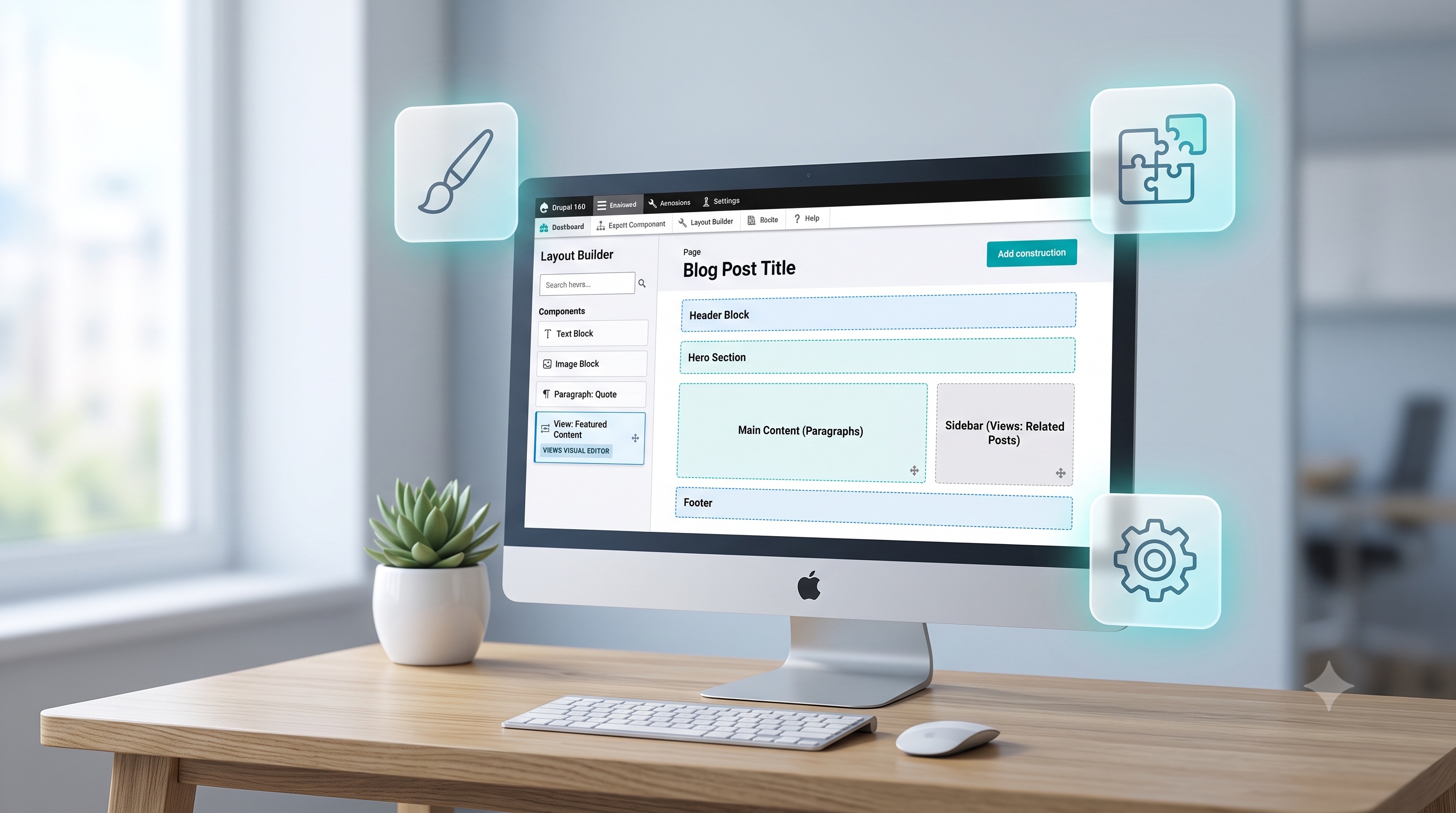
Layout Builder provides a drag‑and‑drop canvas for constructing page layouts. Users can select from predefined sections, place blocks, and adjust column widths. The interface stores layout definitions as configuration, allowing the same design to be reused across multiple content types.
Paragraphs Module
Paragraphs replaces the classic body field with flexible, reusable components such as text blocks, image galleries, and call‑to‑action panels. Content editors assemble pages by adding, reordering, and configuring paragraph items, all within the node edit form.
Views UI
Views is Drupal’s query builder for displaying content lists, tables, and grids. The UI lets users select content types, apply filters, define sorting, and choose display formats. The resulting view can be placed as a block or embedded directly in a layout.
Configuration Management
All site settings, including layouts, views, and paragraph bundles, are stored as configuration files. The Configuration Management system allows administrators to export, import, and synchronize settings across environments without manual code edits.
Step‑by‑Step Guide to Building a Custom Page
1. Define the Content Structure
- Identify the content types needed (e.g., Article, Event, Product).
- Add fields that capture required data (title, image, date, custom taxonomy).
- Enable the Paragraphs field on the chosen content type to allow flexible page composition.
2. Create a Layout with Layout Builder
- Navigate to the content type’s “Manage Display” tab and enable Layout Builder.
- Choose “Use Layout Builder for existing content” to apply layouts to individual nodes.
- In the Layout Builder canvas, add sections such as a hero banner, two‑column body, and sidebar.
- Drag blocks like “Page Title,” “Breadcrumbs,” and custom view blocks into the desired regions.
3. Add Dynamic Content with Views
- Open the Views UI and create a new view titled “Featured Articles.”
- Set the view to show content of type Article, filter by a “Featured” taxonomy term, and limit the display to three items.
- Choose a “Carousel” display format if the theme supports it, or use a simple list layout.
- Save the view and place it as a block in the Layout Builder sidebar region.
4. Enhance Interaction with Webforms
- Install the Webform module from the Drupal repository.
- Create a new form for newsletter sign‑up, including fields for name and email address.
- Configure email notifications and enable CAPTCHA for spam protection.
- Add the webform block to the page footer using Layout Builder.
Extending Functionality with Contributed Modules
- Admin Toolbar – Provides a drop‑down menu for faster navigation to configuration pages.
- Pathauto – Generates clean URLs automatically based on content titles and taxonomy.
- Metatag – Adds SEO‑friendly meta tags without manual entry.
- Responsive Image – Allows editors to select image styles that adapt to different screen sizes.
- Block Visibility Groups – Controls when blocks appear based on URL patterns, user roles, or content types.
Each module can be installed through the Drupal UI, activated, and configured without touching code.
Best Practices for Sustainable No‑Code Sites
- Document configuration decisions – Keep a changelog of layout updates, view adjustments, and field additions.
- Use descriptive names – Name paragraphs, views, and blocks clearly to aid future editors.
- Leverage revision history – Enable revisions for content types and layouts to track changes over time.
- Test in a staging environment – Export configuration, import it into a test site, and verify that layouts render as expected before publishing.
- Regularly audit modules – Remove unused modules to reduce security exposure and improve performance.
By following these guidelines, organizations can maintain a robust Drupal site while minimizing reliance on custom code.
Conclusion
Customizing Drupal without coding is a realistic goal for many organizations. The platform’s Layout Builder, Paragraphs, Views UI, and a rich ecosystem of contributed modules empower non‑technical users to design, structure, and enhance web pages through intuitive interfaces. When combined with disciplined configuration management and best‑practice workflows, a no‑code approach delivers rapid iteration, lower maintenance costs, and a resilient digital presence. Teams that invest in training and adopt these tools can unlock Drupal’s full potential while keeping development resources focused on truly unique challenges.