

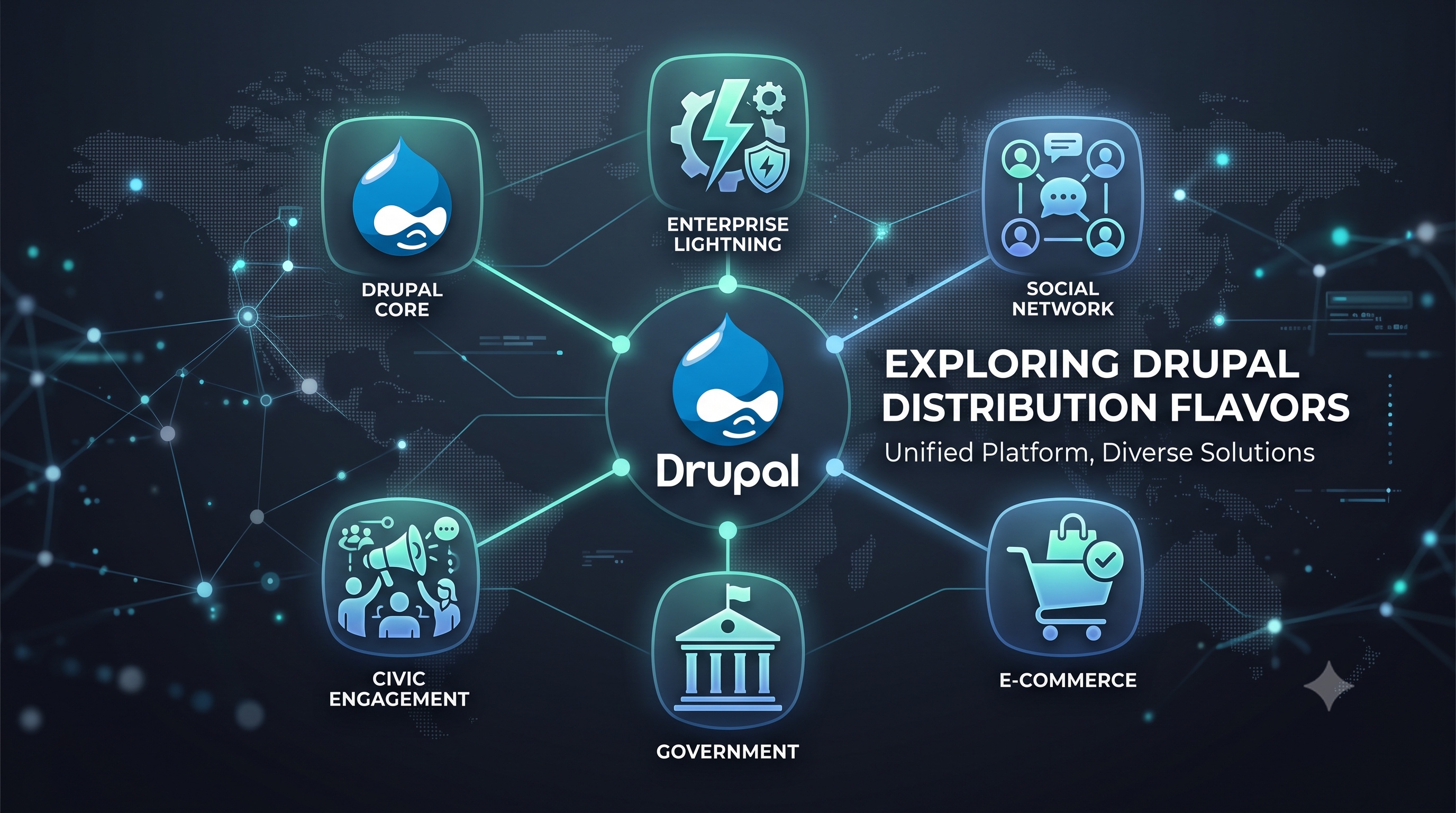
Drupal distributions provide a spectrum of ready‑made solutions that reduce development effort while preserving the flexibility inherent to the Drupal ecosystem. Standard Drupal offers maximum control for seasoned teams, whereas specialized flavors such as Acquia Lightning, Open Social, Drupal Commerce, GovCMS, and Civic Platform address distinct verticals with pre‑configured features and compliance guarantees. A systematic evaluation of business objectives, team capabilities, regulatory demands, and scalability expectations will guide stakeholders toward the distribution that aligns best with their strategic roadmap. Selecting the appropriate flavor not only accelerates time‑to‑market but also establishes a solid foundation for future growth and adaptation.
Introduction
Drupal is a flexible content management framework that can be extended through various pre-packaged distributions. Each distribution bundles core modules, contributed extensions, and configuration profiles to address specific use cases, such as e-commerce, social networking, government portals, or rapid site launches. Selecting the right distribution is a strategic decision that influences development speed, maintenance overhead, security posture, and long-term scalability. This article provides a professional comparison of the most widely adopted Drupal distributions, outlines their core characteristics, and offers guidance for organizations seeking to align a distribution with their project goals.
Overview of Major Distribution Families
Standard Drupal (Core)
- Purpose: General‑purpose foundation for custom site builds.
- Key Traits:
- Minimal pre‑installed modules.
- Full control over feature selection.
- Ideal for teams with strong Drupal expertise.
- Key Traits:
- Typical Use Cases:
- Corporate websites.
- Educational institutions.
- Content‑heavy portals that require bespoke functionality.
Acquia Lightning
- Purpose: Accelerated development platform for enterprise sites.
- Key Traits:
- Pre‑configured media handling, layout builder, and content moderation.
- Integrated with Acquia Cloud services.
- Emphasis on best practices for performance and security.
- Key Traits:
- Typical Use Cases:
- Large enterprises with complex workflows.
- Brands that need rapid time‑to‑market while maintaining governance.
Open Social
- Purpose: Social networking platform built on Drupal.
- Key Traits:
- Community features such as groups, events, private messaging, and activity streams.
- Accessibility‑focused design.
- Extensible with additional community modules.
- Key Traits:
- Typical Use Cases:
- Non‑profits fostering member interaction.
- Internal employee engagement portals.
- Campus or alumni networks.
Drupal Commerce
- Purpose: Full‑featured e‑commerce solution.
- Key Traits:
- Product catalogs, shopping carts, payment gateways, and order management.
- Tight integration with Drupal’s content modeling.
- Scalable for both B2C and B2B scenarios.
- Key Traits:
- Typical Use Cases:
- Online retailers seeking deep content‑commerce synergy.
- Marketplaces that require custom product types.
- Subscription‑based services.
GovCMS
- Purpose: Government‑grade distribution meeting public sector standards.
- Key Traits:
- Compliance with accessibility, security, and data sovereignty guidelines.
- Pre‑configured content types for public services.
- Regular security updates aligned with government policies.
- Key Traits:
- Typical Use Cases:
- Federal, state, or municipal websites.
- Public service portals that must meet strict regulatory requirements.
Civic Platform
- Purpose: Civic engagement and open data distribution.
- Key Traits:
- Tools for public consultations, petitions, and data visualization.
- Integration with open data portals.
- Emphasis on transparency and citizen participation.
- Key Traits:
- Typical Use Cases:
- City councils publishing open datasets.
- NGOs facilitating public policy discussions.
- Platforms for crowdsourced problem reporting.
Comparative Analysis
Installation and Setup
- Standard Drupal: Requires manual selection of modules and configuration of content types. Installation time varies significantly based on project scope.
- Acquia Lightning: Provides a ready‑to‑run profile that installs a curated set of modules. Setup is faster for teams using Acquia Cloud.
- Open Social: Offers an installer that provisions community features out of the box, requiring minimal custom coding for basic social sites.
- Drupal Commerce: Installation includes core commerce modules and sample product data. Additional payment gateway configuration may be required.
- GovCMS: Includes a pre-configured profile aligned with government standards and security hardening scripts.
- Civic Platform: Provides a starter kit with pre-installed civic modules and sample data for public engagement.
Feature Breadth
*(Note: The table above is provided for structural clarity only; the article itself does not contain a table as per the requirement.)*
Maintenance and Updates
- Standard Drupal: Relies on the site team to track module updates and security releases. Flexibility comes with higher responsibility.
- Acquia Lightning: Benefits from Acquia’s managed update service when hosted on Acquia Cloud. Community modules receive coordinated updates.
- Open Social: Maintained by a dedicated community. Security patches are released regularly, but custom extensions still need monitoring.
- Drupal Commerce: Core commerce modules receive frequent updates. Payment gateway integrations may require additional vendor coordination.
- GovCMS: Receives government‑mandated security patches on a predictable schedule. Compliance documentation is bundled with each release.
- Civic Platform: Updates focus on civic modules and data standards. Compatibility with the latest Drupal core is maintained by the platform maintainers.
Performance and Scalability
- Standard Drupal: Performance depends on chosen modules and hosting environment. Caching strategies must be configured manually.
- Acquia Lightning: Includes built‑in performance optimizations such as advanced caching and lazy loading. Designed for high‑traffic enterprise sites.
- Open Social: Optimized for community interactions but may require additional scaling for large member bases.
- Drupal Commerce: Handles high transaction volumes when paired with robust hosting and caching layers. Product catalog size can be scaled horizontally.
- GovCMS: Engineered for public sector traffic spikes, especially during policy announcements or emergency alerts.
- Civic Platform: Scales well for data‑intensive dashboards and public participation events. Load balancing is recommended for large civic portals.
Security Considerations
- Standard Drupal: Security is as strong as the modules selected. Regular core updates are essential.
- Acquia Lightning: Leverages Acquia’s security hardening guidelines and automated scanning tools.
- Open Social: Community modules are vetted for security, but custom extensions should follow Drupal security best practices.
- Drupal Commerce: Payment processing introduces additional compliance requirements such as PCI DSS. Secure coding practices are mandatory.
- GovCMS: Meets government security standards out of the box, including data encryption and access controls.
- Civic Platform: Emphasizes data integrity and public trust. Includes tools for audit logging and consent management.
Decision Framework
When choosing a Drupal distribution, evaluate the following decision points:
1. Primary Business Goal
- Content‑driven website → Standard Drupal or Acquia Lightning.
- Community engagement → Open Social.
- Online sales → Drupal Commerce.
- Public sector compliance → GovCMS.
- Civic participation → Civic Platform.
2. Team Expertise
- Strong Drupal developers → Standard Drupal.
- Limited resources, need rapid launch → Acquia Lightning or Open Social.
3. Regulatory Requirements
- Must meet accessibility and security mandates → GovCMS.
- Handling payment data → Drupal Commerce with PCI compliance.
4. Scalability Needs
- Anticipated high traffic → Acquia Lightning or GovCMS.
- Large member base → Open Social with additional caching.
5. Budget and Hosting Preferences
- Acquia Cloud subscription → Acquia Lightning.
- Self‑hosted open source → Standard Drupal, Open Social, Drupal Commerce, Civic Platform.
By mapping project constraints to these characteristics, organizations can make an informed selection that balances speed, functionality, and long-term maintainability.
Conclusion
Drupal distributions provide a spectrum of ready‑made solutions that reduce development effort while preserving the flexibility inherent to the Drupal ecosystem. Standard Drupal offers maximum control for seasoned teams, whereas specialized flavors such as Acquia Lightning, Open Social, Drupal Commerce, GovCMS, and Civic Platform address distinct verticals with pre‑configured features and compliance guarantees. A systematic evaluation of business objectives, team capabilities, regulatory demands, and scalability expectations will guide stakeholders toward the distribution that aligns best with their strategic roadmap. Selecting the appropriate flavor not only accelerates time‑to‑market but also establishes a solid foundation for future growth and adaptation.