

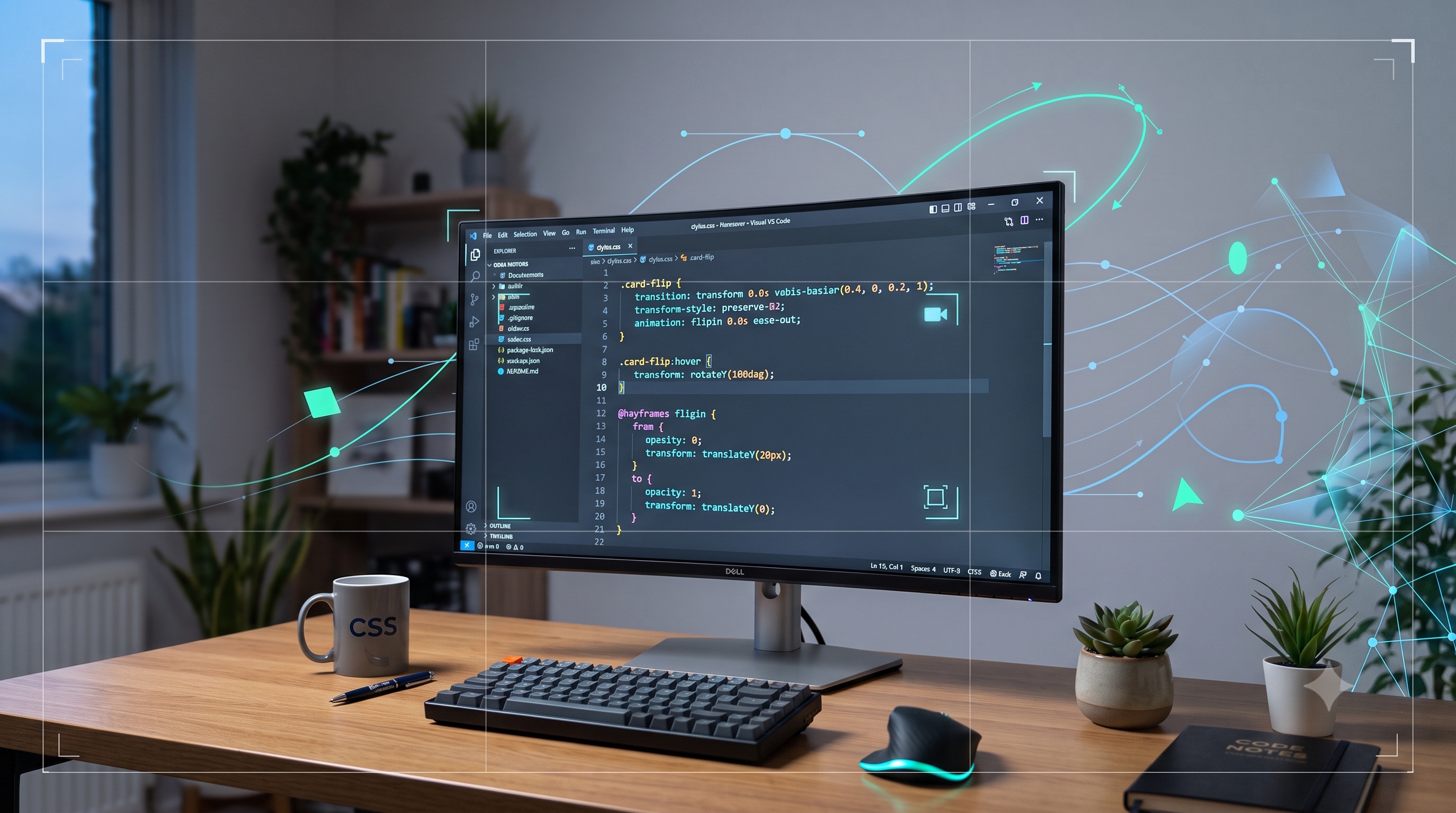
CSS transitions and animations empower developers to create engaging, responsive interfaces without reliance on heavy scripting. By mastering the core properties, understanding the distinction between state‑driven transitions and keyframe‑based animations, and adhering to performance and accessibility best practices, you can deliver motion that enhances usability rather than distracts. Consistent implementation, thorough testing, and respect for user preferences will ensure that motion remains an asset in modern web design.
Introduction
Modern web interfaces rely heavily on visual feedback to guide user interaction. Subtle motion can indicate state changes, draw attention to important elements, and create a sense of continuity across a page. CSS provides two complementary mechanisms for motion: transitions and animations. Both are defined entirely in stylesheet code, require no JavaScript for basic effects, and are supported across all major browsers. This article examines the technical foundations of each technique, outlines best‑practice implementation patterns, and highlights performance and accessibility considerations that professional developers must keep in mind.
Understanding CSS Transitions
What are CSS Transitions?
A CSS transition describes how a property changes from one value to another over a specified duration. The browser interpolates intermediate values automatically, creating a smooth visual effect whenever the property is altered by user interaction, script, or a change in the document’s state. Transitions are ideal for simple, one‑step changes such as hover effects, focus outlines, or toggling visibility.
Core Properties
- `transition-property` : defines which CSS properties will animate.
- `transition-duration` : sets the length of time the transition takes, expressed in seconds or milliseconds.
- `transition-timing-function` : controls the acceleration curve; common values include `ease`, `linear`, `ease-in`, `ease-out`, and `cubic-bezier`.
- `transition-delay` : introduces a pause before the transition begins, useful for sequencing effects.
Practical Use Cases
- Hover states for buttons, links, and cards.
- Focus outlines for form fields to improve keyboard navigation.
- Expanding or collapsing panels in accordions.
- Color shifts for theme toggles.
Mastering CSS Animations
Difference Between Transitions and Animations
Transitions react to a change in state; they require a trigger such as `:hover` or a class toggle. Animations, by contrast, are defined by a series of keyframes and can run independently of user interaction. Animations can loop, reverse, and maintain end states without additional scripting, making them suitable for more complex motion sequences.
Keyframe Syntax
1. Declare a `@keyframes` rule with a name.
2. Define percentage markers (0% to 100%) or use `from` and `to`.
3. Specify the CSS properties and values for each marker.
4. Reference the keyframe name in the `animation-name` property of the target selector.
Animation Properties
- `animation-name` : links the element to a defined keyframe set.
- `animation-duration` : length of one cycle of the animation.
- `animation-timing-function` : pacing curve for each cycle.
- `animation-delay` : wait time before the first cycle starts.
- `animation-iteration-count` : number of times the animation repeats; `infinite` creates a continuous loop.
- `animation-direction` : determines whether the animation plays forwards, backwards, or alternates.
- `animation-fill-mode` : defines how styles are applied before and after the animation runs (`none`, `forwards`, `backwards`, `both`).
Performance Considerations
Motion can impact rendering performance, especially on low‑end devices. Follow these guidelines to keep animations smooth:
- Animate only properties that are handled by the compositor, such as `transform` and `opacity`.
- Avoid animating layout‑affecting properties like `width`, `height`, `margin`, or `top`.
- Use `will-change` sparingly to hint the browser about upcoming changes, but remove it after the animation completes.
- Keep duration and timing functions consistent across the site to reduce cognitive load.
- Test animations with the browser’s performance tools to identify dropped frames.
Accessibility and Usability
Motion can be disorienting for users with vestibular disorders or for those who prefer reduced motion. Implement the following practices:
- Respect the `prefers-reduced-motion` media query; disable non‑essential animations when the user has indicated a preference.
- Provide alternative static states for critical information, ensuring content remains understandable without motion.
- Use clear visual cues in addition to motion, such as changes in color or shape, to convey state changes.
- Keep animation durations short (generally under 300 ms) for interactive feedback, and longer (up to 1 s) for decorative purposes.
Common Pitfalls and Debugging Tips
- Forgotten vendor prefixes : older browsers may still require `-webkit-` prefixes for keyframe definitions.
- Mismatched property names : ensure the property listed in `transition-property` matches the property you intend to animate.
- Unintended inheritance : transitions defined on a parent can affect child elements; scope rules carefully.
- Infinite loops : an animation that never reaches a stable end state can cause high CPU usage; verify `animation-iteration-count` and `animation-direction`.
- Timing function confusion : `ease-in-out` may feel sluggish for quick UI feedback; test multiple curves to find the most responsive feel.
Debugging steps:
- Use the browser’s DevTools Styles pane to view computed transition and animation values.
- Temporarily set `animation-play-state: paused` to inspect intermediate frames.
- Add `outline: 1px solid red` to the animated element to verify its bounding box during motion.
Conclusion
CSS transitions and animations empower developers to create engaging, responsive interfaces without reliance on heavy scripting. By mastering the core properties, understanding the distinction between state‑driven transitions and keyframe‑based animations, and adhering to performance and accessibility best practices, you can deliver motion that enhances usability rather than distracts. Consistent implementation, thorough testing, and respect for user preferences will ensure that motion remains an asset in modern web design.