

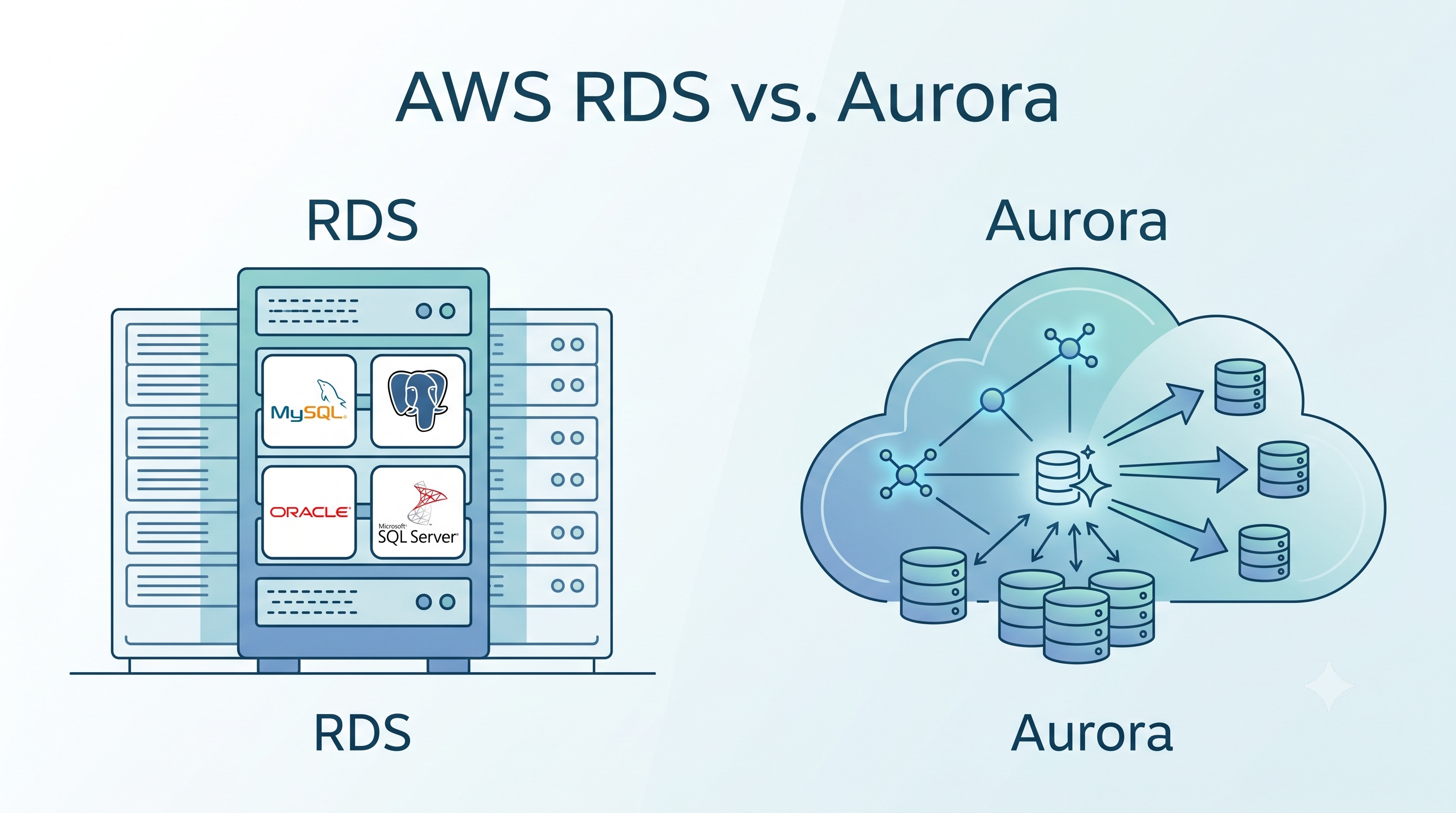
Both Amazon RDS and Amazon Aurora deliver managed relational database capabilities, yet they serve distinct operational profiles. RDS excels in providing a familiar environment for a wide range of database engines, making it ideal for workloads that depend on specific commercial features or strict licensing constraints. Aurora, on the other hand, offers superior performance, rapid scaling, and advanced durability through its distributed storage architecture, positioning it as the preferred choice for modern, high‑throughput applications. By aligning your workload characteristics, cost considerations, and feature requirements with the strengths of each service, you can select the database solution that best supports your organization’s objectives.
Introduction
Amazon Web Services (AWS) offers a broad portfolio of managed database services. Two of the most widely adopted options are Amazon Relational Database Service (RDS) and Amazon Aurora. Both provide automated backups, scaling, and high availability, yet they differ in architecture, performance characteristics, and cost structure. Selecting the right service requires a clear understanding of workload requirements, operational constraints, and long‑term growth plans. This article examines the core features of RDS and Aurora, compares them across key dimensions, and offers guidance for making an informed decision.
Overview of Amazon RDS
Amazon RDS is a fully managed platform that supports several traditional relational database engines, including MySQL, PostgreSQL, MariaDB, Oracle, and Microsoft SQL Server. RDS abstracts routine administrative tasks such as patching, backup, and replication, allowing teams to focus on application logic.
Key Capabilities
- Multi‑AZ deployments provide automatic failover to a standby instance in a different Availability Zone.
- Read replicas enable horizontal scaling of read‑heavy workloads for supported engines.
- Automated backups retain point‑in‑time recovery for up to 35 days.
- Instance types range from burstable micro instances to high‑performance compute‑optimized families.
- License management for commercial engines (Oracle, SQL Server) is handled through bring‑your‑own‑license or license‑included options.
Typical Use Cases
- Applications that rely on a specific commercial database engine with proprietary features.
- Workloads that require strict compliance with existing licensing agreements.
- Environments where migration to a newer engine is not feasible in the short term.
- Projects that need a simple, predictable pricing model based on instance size and storage.
Overview of Amazon Aurora
Amazon Aurora is a MySQL‑ and PostgreSQL‑compatible relational database built on a purpose‑designed, distributed storage system. Aurora separates compute from storage, replicating data across multiple Availability Zones automatically.
Core Advantages
- Up to five times the throughput of standard MySQL and up to three times the throughput of standard PostgreSQL under comparable hardware.
- Fault‑tolerant storage replicates six copies of data across three Availability Zones.
- Instantaneous scaling of read capacity by adding up to 15 low‑latency read replicas.
- Serverless option that automatically adjusts capacity based on actual demand, billed per second.
- Backtrack feature allows reverting the database to a prior state without restoring from a backup.
Typical Use Cases
- High‑traffic web and mobile applications that demand low latency and high throughput.
- SaaS platforms that need to scale read capacity rapidly during peak periods.
- Development environments that benefit from on‑demand scaling without over‑provisioning.
- Scenarios where rapid recovery from accidental data changes is critical.
Detailed Comparison
Performance and Scalability
- RDS relies on traditional monolithic storage attached to a single instance. Scaling read capacity requires provisioning additional read replicas, each with its own storage footprint.
- Aurora decouples storage from compute. Adding a read replica incurs minimal storage overhead because replicas share the same underlying storage layer. Aurora’s storage automatically grows in 10‑GB increments up to 128 TB, eliminating manual provisioning.
Availability and Durability
- RDS Multi‑AZ creates a synchronous standby in a separate Availability Zone. Failover typically completes within a minute, but the standby maintains its own storage copy.
- Aurora continuously replicates data across three Availability Zones. In the event of a node failure, Aurora promotes a healthy replica instantly, often within seconds, because the storage layer remains intact.
Cost Structure
- RDS pricing is based on instance hours, storage provisioned, and I/O operations. Licensing fees apply for commercial engines.
- Aurora charges for the actual amount of storage used, the number of I/O requests, and the compute capacity of each instance. Aurora Serverless adds a per‑second compute charge, which can be more cost‑effective for variable workloads.
Compatibility and Migration
- RDS offers native compatibility with the chosen engine, preserving all engine‑specific extensions and features.
- Aurora provides compatibility layers for MySQL 5.6, 5.7, 8.0 and PostgreSQL 10.14, 11.9, 12.4, but some proprietary extensions may not be supported. Migration tools such as AWS Database Migration Service (DMS) simplify the transition.
Management Overhead
- RDS requires manual scaling of compute resources and storage allocation. Monitoring and tuning are similar to managing on‑premises databases.
- Aurora automates many scaling tasks. The Serverless variant eliminates the need to select instance sizes altogether, reducing operational effort.
Decision Framework
When evaluating RDS versus Aurora, consider the following checklist:
- Engine requirements – If you need Oracle or SQL Server, RDS is the only native option.
- Performance needs – For workloads that consistently exceed the limits of standard MySQL or PostgreSQL, Aurora’s higher throughput is advantageous.
- Traffic variability – Applications with unpredictable spikes benefit from Aurora Serverless or the ability to add read replicas quickly.
- Budget constraints – Fixed, predictable workloads may be cheaper on RDS, while variable workloads often see lower total cost on Aurora.
- Data resilience – If sub‑second failover and multi‑AZ storage replication are priorities, Aurora provides stronger guarantees.
- Feature parity – Verify that any engine‑specific extensions you rely on are supported in Aurora’s compatible mode.
Recommendation Scenarios
1. Enterprise ERP on Oracle – Choose RDS with Oracle engine to maintain full feature compatibility and leverage existing licensing agreements.
2. High‑traffic e‑commerce platform – Deploy Aurora MySQL with multiple read replicas to handle sudden traffic surges while keeping latency low.
3. Startup SaaS with fluctuating usage – Use Aurora Serverless for PostgreSQL to pay only for active compute, simplifying cost management.
4. Legacy application with custom MySQL plugins – Evaluate whether the plugins are supported in Aurora; if not, stick with RDS MySQL to avoid functional gaps.
Conclusion
Both Amazon RDS and Amazon Aurora deliver managed relational database capabilities, yet they serve distinct operational profiles. RDS excels in providing a familiar environment for a wide range of database engines, making it ideal for workloads that depend on specific commercial features or strict licensing constraints. Aurora, on the other hand, offers superior performance, rapid scaling, and advanced durability through its distributed storage architecture, positioning it as the preferred choice for modern, high‑throughput applications. By aligning your workload characteristics, cost considerations, and feature requirements with the strengths of each service, you can select the database solution that best supports your organization’s objectives.