

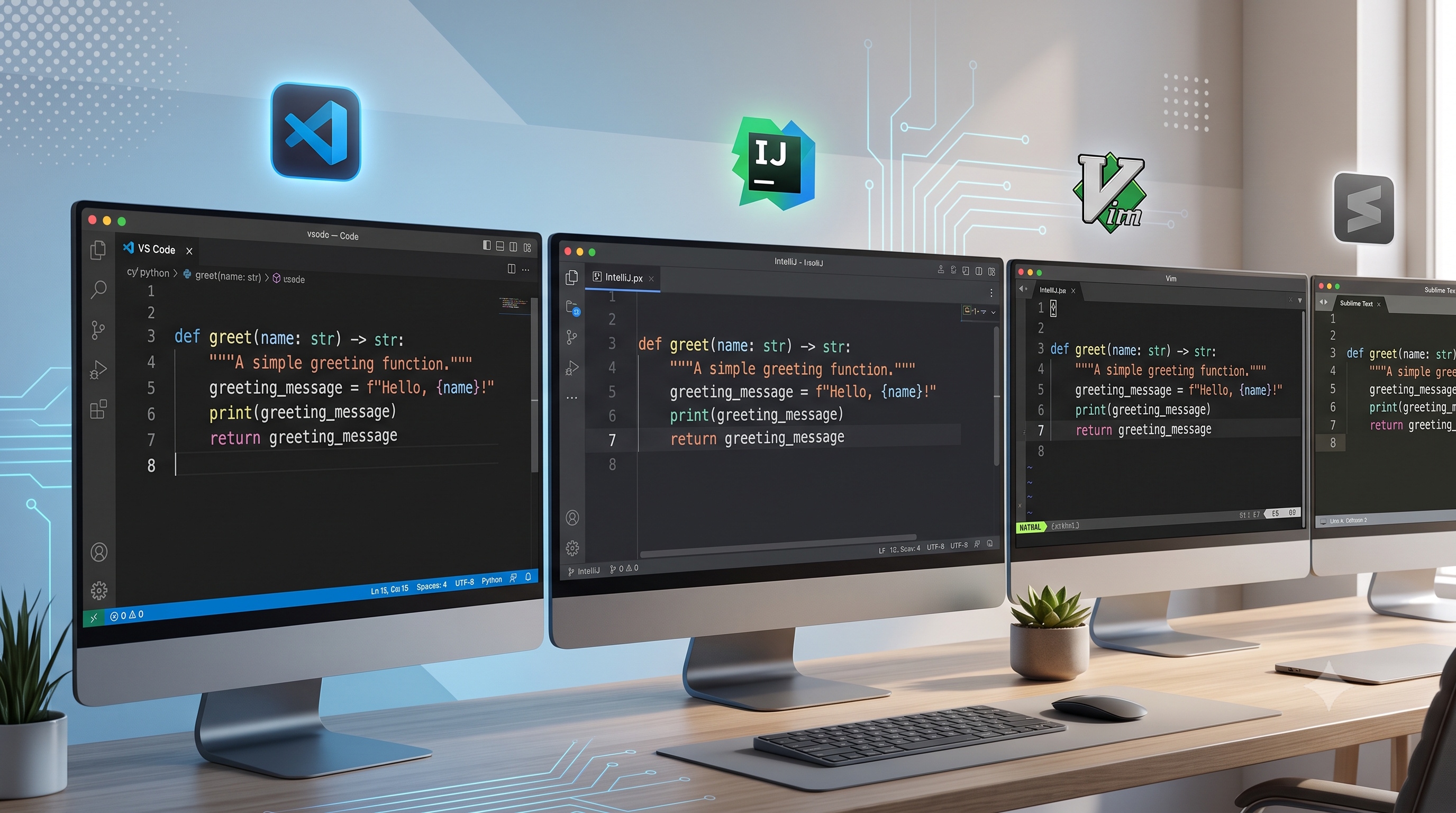
EditorConfig offers a straightforward, language-agnostic solution for enforcing consistent formatting across diverse development environments. By defining a single .editorconfig file at the project root, teams can ensure that indentation, line endings, character encoding, and whitespace handling remain uniform, regardless of the editor or IDE each developer prefers. Integrating EditorConfig with IDE plugins, CI checks, and pre-commit hooks creates a robust workflow that catches style deviations early, reduces manual effort, and improves overall code quality. When combined with clear documentation and periodic reviews, EditorConfig becomes a foundational element of a disciplined, collaborative development process.
Introduction
In modern software development, maintaining a consistent code style across a team is essential for readability, maintainability, and reducing friction during code reviews. While many organizations rely on style guides and manual enforcement, a lightweight configuration file can automate most formatting decisions. EditorConfig provides a simple, editor-agnostic way to define and enforce coding conventions such as indentation, line endings, character encoding, and trailing whitespace handling. This article explores the purpose of EditorConfig, how to integrate it into various development environments, and best practices for creating a shared configuration that scales with a project.
What Is EditorConfig?
EditorConfig is an open-source specification that defines a plain-text file named .editorconfig placed at the root of a project. The file contains a series of sections, each describing a set of file patterns and the formatting rules that apply to those patterns. When an editor or IDE that supports the EditorConfig plugin opens a file, it reads the nearest .editorconfig file and automatically applies the defined settings.
Key characteristics of EditorConfig include:
- Cross-editor compatibility: Works with Visual Studio Code, IntelliJ IDEA, Sublime Text, Vim, Emacs, and many others.
- Hierarchical inheritance: Settings cascade from parent directories to child directories, allowing project-wide defaults and overrides for specific subfolders.
- Simple syntax: Uses an INI-style format that is easy to read and edit without specialized tools.
Core Properties and Their Impact
EditorConfig defines a set of core properties that address the most common formatting concerns. Understanding each property helps teams decide which rules to enforce.
Indentation
- `indent_style` : Accepts `tab` or `space`. Determines whether tabs or spaces are used for indentation.
- `indent_size` : Specifies the number of spaces per indentation level when `indent_style` is `space`. When `indent_style` is `tab`, this property can define the visual width of a tab character.
Line Endings
- `end_of_line` : Accepts `lf`, `crlf`, or `native`. Controls the line break character used when saving a file.
Character Encoding
- `charset` : Accepts `utf-8`, `utf-8-bom`, `utf-16be`, `utf-16le`, or `latin1`. Ensures all files use a consistent encoding, preventing issues with non‑ASCII characters.
Whitespace Management
- `trim_trailing_whitespace` : When set to `true`, removes any spaces or tabs at the end of each line.
- `insert_final_newline` : When set to `true`, guarantees that a file ends with a single newline character.
Additional Properties
- `max_line_length` : Enforces a maximum number of characters per line, helping to keep code readable on standard monitors.
- `quote_type` : For languages that support both single and double quotes, this property can suggest a preferred style.
Creating a Project‑Wide .editorconfig File
A well‑structured .editorconfig file balances global defaults with targeted overrides. Below is a recommended template that can serve as a starting point for most projects.
```
Top‑level configuration applies to all files
root = true
[*]
indent_style = space
indent_size = 4
end_of_line = lf
charset = utf-8
trim_trailing_whitespace = true
insert_final_newline = true
max_line_length = 120
Markdown files often use a different line length
[*.md]
max_line_length = 80
trim_trailing_whitespace = false
JSON files require a specific indentation size
[*.json]
indent_size = 2
Makefile files must use tabs
[Makefile]
indent_style = tab
```
Explanation of the Template
- The `root = true` directive tells EditorConfig to stop searching for additional configuration files in parent directories.
- The wildcard section `[ * ]` defines defaults for all files, covering the most common formatting rules.
- Specific sections such as `[*.md]` and `[Makefile]` override the defaults where language conventions differ.
- By keeping overrides concise, the file remains readable and easy to maintain.
Integrating EditorConfig Into Development Workflows
Editor Support
Most modern editors provide built‑in support or official plugins for EditorConfig. Installation typically involves a single step:
- Visual Studio Code : Install the “EditorConfig for VS Code” extension from the marketplace.
- IntelliJ IDEA : EditorConfig support is bundled; enable it in the settings under “Editor > Code Style > EditorConfig.”
- Vim/Neovim : Use the `editorconfig-vim` plugin via a plugin manager such as `vim-plug`.
- Emacs : Install the `editorconfig` package from MELPA.
Once installed, the editor automatically reads the .editorconfig file and applies the defined settings each time a file is opened or saved.
Continuous Integration Checks
Even with editor support, it is prudent to enforce formatting rules in the CI pipeline. This can be achieved by:
- Running a linter that respects EditorConfig settings (e.g., `eslint` with the `editorconfig` plugin for JavaScript projects).
- Adding a formatting step using tools like `prettier` or `clang-format` that read the .editorconfig file.
- Failing the build if files do not conform to the expected style, prompting developers to run the formatter locally before committing.
Pre‑commit Hooks
Git hooks provide a lightweight mechanism to catch formatting issues before they enter the repository. A typical pre‑commit script might:
1. Identify staged files.
2. Run a formatter configured to read .editorconfig.
3. Re‑stage any changes made by the formatter.
4. Abort the commit if formatting fails.
Tools such as `pre-commit` simplify this process by allowing a declarative configuration file that specifies the formatter and the files it should process.
Best Practices for Maintaining Consistency
- Version the .editorconfig file : Include it in the repository so every clone receives the same rules.
- Document the rationale : Add comments in the file explaining why certain overrides exist; this helps new contributors understand decisions.
- Limit the number of overrides : Excessive specificity can lead to confusion. Prefer global defaults and only override when a language’s conventions demand it.
- Synchronize with other style tools : Ensure that linters, formatters, and IDE settings reference the same .editorconfig values to avoid contradictory rules.
- Review periodically : As the codebase evolves, revisit the configuration to adjust indentation sizes, line length limits, or other properties that may no longer be optimal.
Common Pitfalls and How to Avoid Them
- Missing root declaration : Without `root = true`, editors may apply unrelated parent configurations, leading to inconsistent behavior.
- Incorrect glob patterns : Overly broad patterns can unintentionally affect files that should be exempt. Test patterns with a small subset of files before applying them globally.
- Conflicting plugins : Some formatters have their own configuration files that may override EditorConfig. Align the settings across all tools to prevent clashes.
- Ignoring binary files : EditorConfig should not be applied to binary assets. Use patterns like `[*.{png,jpg,ico}]` with `charset = binary` to exclude them.
Conclusion
EditorConfig offers a straightforward, language-agnostic solution for enforcing consistent formatting across diverse development environments. By defining a single .editorconfig file at the project root, teams can ensure that indentation, line endings, character encoding, and whitespace handling remain uniform, regardless of the editor or IDE each developer prefers. Integrating EditorConfig with IDE plugins, CI checks, and pre-commit hooks creates a robust workflow that catches style deviations early, reduces manual effort, and improves overall code quality. When combined with clear documentation and periodic reviews, EditorConfig becomes a foundational element of a disciplined, collaborative development process.