

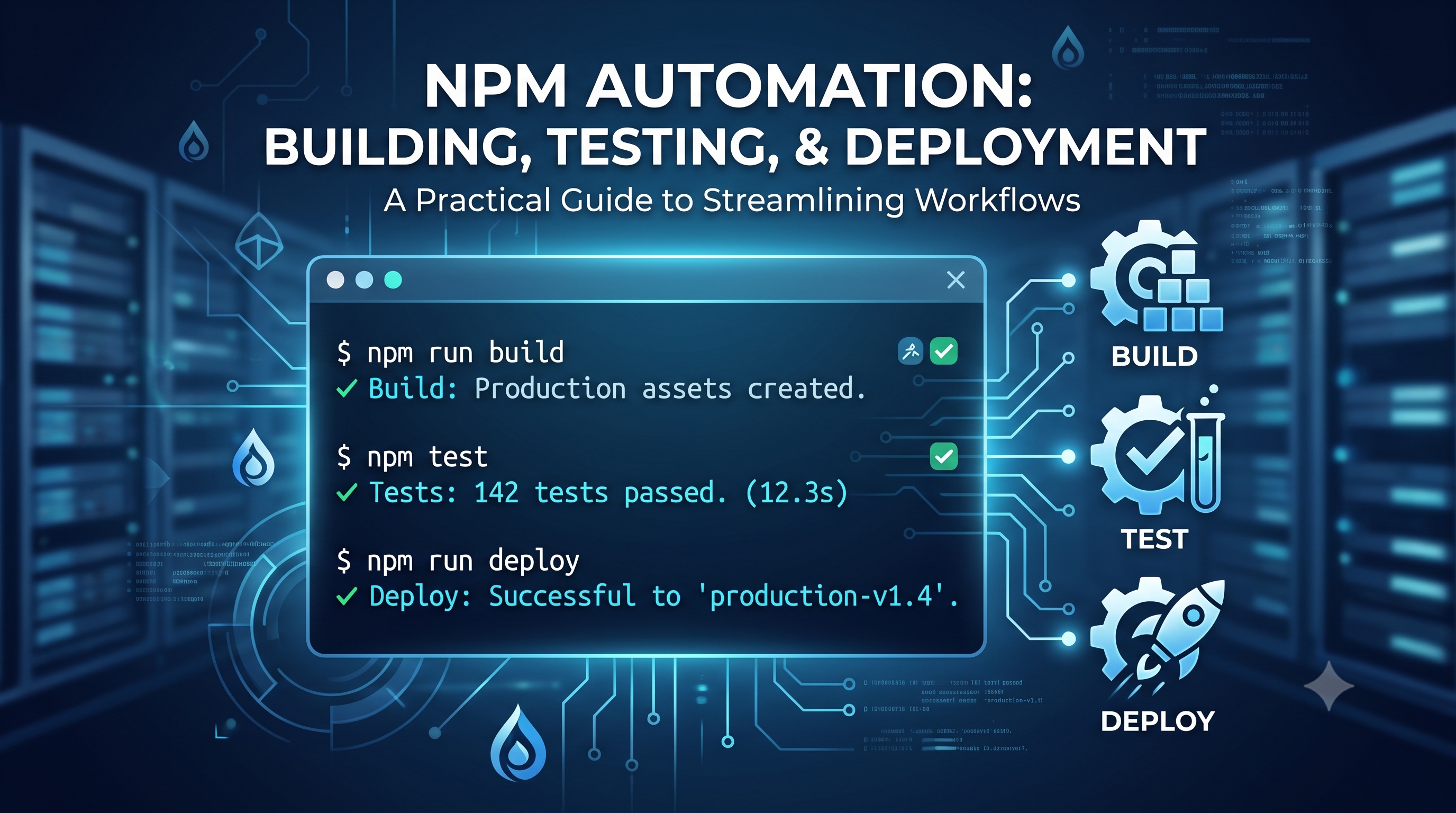
The world of software development is constantly evolving, with new tools and techniques emerging every day. One of the most powerful tools in a developer's arsenal is NPM (Node Package Manager), which allows for easy management of dependencies and scripts. In this article, we'll explore the world of NPM scripts and how they can be used for automation, making your development workflow more efficient and streamlined.
Introduction to NPM Scripts
NPM scripts are commands that can be run in the terminal, using the `npm run` command. They are defined in the `scripts` section of the `package.json` file, which is the heart of any NPM project. These scripts can be used for a wide range of tasks, from simple commands like building and testing, to complex workflows that automate entire processes.
Benefits of Using NPM Scripts
Using NPM scripts has several benefits, including:
- Simplified workflow: NPM scripts allow you to automate repetitive tasks, freeing up time for more important things.
- Improved consistency: By defining scripts in a central location, you can ensure that all team members are using the same commands, reducing errors and inconsistencies.
- Easy maintenance: Scripts can be easily updated or modified, without affecting the rest of the project.
Common Use Cases for NPM Scripts
NPM scripts can be used for a wide range of tasks, including:
Building and Bundling
Building and bundling code is a crucial step in the development process. NPM scripts can be used to automate this process, using tools like Webpack and Rollup. For example:
```json
"scripts": {
"build": "webpack --mode production"
}
```
This script can be run using the command `npm run build`, which will build the project using Webpack in production mode.
Testing and Validation
Testing and validation are critical steps in ensuring the quality of your code. NPM scripts can be used to automate these processes, using tools like Jest and ESLint. For example:
```json
"scripts": {
"test": "jest",
"lint": "eslint src/"
}
```
These scripts can be run using the commands `npm run test` and `npm run lint`, which will run the tests and lint the code, respectively.
Deployment and Publishing
Deployment and publishing are the final steps in the development process. NPM scripts can be used to automate these processes, using tools like GitHub Pages and NPM itself. For example:
```json
"scripts": {
"deploy": "gh-pages -d build"
}
```
This script can be run using the command `npm run deploy`, which will deploy the built project to GitHub Pages.
Advanced NPM Scripting Techniques
NPM scripts can be used for more complex tasks, such as:
Conditional Scripts
Conditional scripts allow you to run different commands based on certain conditions. For example:
```json
"scripts": {
"start": "node index.js",
"start:dev": "node index.js --dev"
}
```
In this example, the `start` script runs the `index.js` file, while the `start:dev` script runs the same file with the `--dev` flag.
Script Composition
Script composition allows you to combine multiple scripts into a single command. For example:
```json
"scripts": {
"build": "webpack --mode production",
"test": "jest",
"deploy": "gh-pages -d build",
"release": "npm run build && npm run test && npm run deploy"
}
```
In this example, the `release` script runs the `build`, `test`, and `deploy` scripts in sequence, automating the entire release process.
Using Environment Variables
Environment variables can be used to customize the behavior of NPM scripts. For example:
```json
"scripts": {
"start": "node index.js --port $PORT"
}
```
In this example, the `start` script runs the `index.js` file with the port number specified by the `PORT` environment variable.
Best Practices for NPM Scripts
To get the most out of NPM scripts, follow these best practices:
- Keep scripts simple: Avoid complex scripts that are hard to understand and maintain.
- Use meaningful names: Use descriptive names for your scripts, so it's clear what they do.
- Document scripts: Document your scripts, so others can understand how to use them.
- Test scripts: Test your scripts regularly, to ensure they're working as expected.
Conclusion
NPM scripts are a powerful tool for automating development workflows, making it easier to build, test, and deploy projects. By using NPM scripts, you can simplify your workflow, improve consistency, and reduce errors. With the techniques and best practices outlined in this article, you can take your NPM scripting to the next level, and make your development process more efficient and streamlined. Whether you're a seasoned developer or just starting out, NPM scripts are an essential tool to have in your toolkit.