

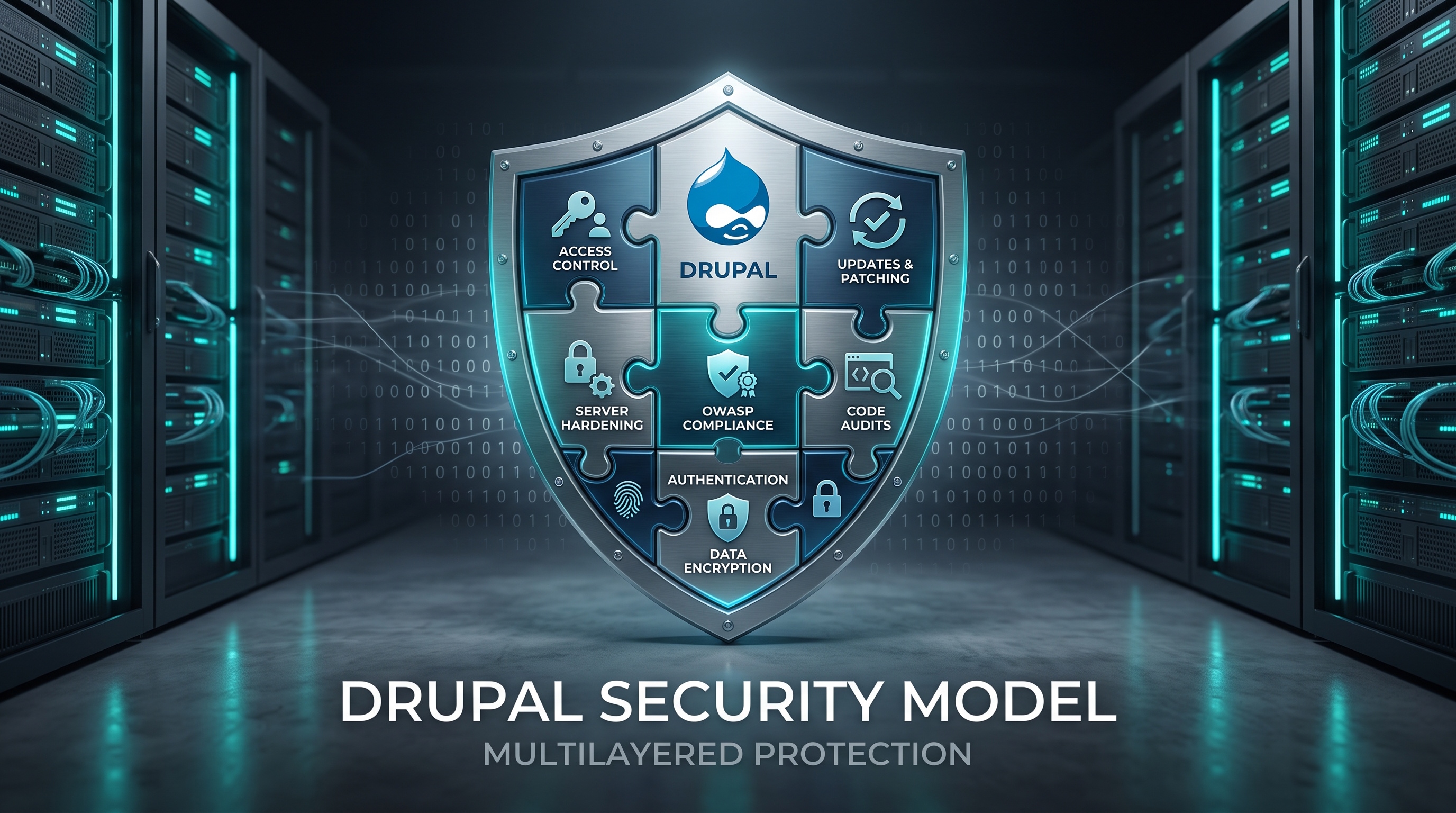
Drupal is a solid platform. If you keep your code updated, control access, secure your server, and watch for threats, you can keep your site safe. Regular audits and a good response plan are key to long term stability.
Introduction
Drupal is well known for being secure. That reputation comes from years of community work and transparent management. Many organizations trust it for their websites and intranets. By understanding how Drupal works and following a few best practices, you can protect your data and keep your site running smoothly. This guide covers how to set up your defenses.
How Drupal Keeps You Safe
Drupal protects your site through several layers of defense.
Access Control
Use roles to manage permissions instead of setting them per user. Give people only the access they truly need. This is the simplest way to keep your site secure.
Settings and Updates
Save your configuration changes as code. This lets you test them before applying them to your live site. Also, verify that updates are authentic before installing them to avoid supply chain issues.
Data Protection
Drupal cleans up user input automatically. This helps prevent attacks like SQL injection. It also secures forms so unauthorized users cannot submit them.
Essential Security Steps
Securing your environment requires a strict routine. Use this checklist:
- Update your core software, modules, and themes regularly.
- Only get modules from Drupal.org or vetted sources.
- Require strong passwords and use two factor authentication for anyone with admin access.
- Follow security guides to set up your server and PHP settings.
- Install tools like Security Review and Content Access to help manage your security.
- Run regular audits and manual code reviews.
- Create a clear plan for how to handle security incidents.
Updating Your Site
Drupal releases security updates often. Subscribe to the official mailing list to get alerts. Use Composer to manage these updates, as it makes applying patches much easier.
Trusted Sources
Before adding a module, check how recently it was updated and look at the issue queue. Avoid modules that have not been maintained for more than six months.
Server Hardening
- Turn off PHP functions you do not need, like exec or shell_exec.
- Limit PHP file access to your web root.
- Use HSTS and secure cookies.
- Limit how large a file upload can be to prevent malicious uploads.
Strong Authentication
Require long and complex passwords. Set passwords to expire for users with high level access. Use time based one time passwords or hardware tokens for anyone who manages sensitive data.
Security Modules
- Security Review: Scans your site for weaknesses.
- Content Access: Helps you manage who can view or edit specific content.
- Password Policy: Lets you set your own rules for password strength.
Audits
Use the drush security:check command to find known vulnerabilities. Pair this with manual testing to simulate attacks like SQL injection. Keep a record of what you find and fix.
Monitoring and Incidents
Watch your site constantly to catch issues early.
- Forward your logs to a central platform.
- Use modules like Login Security to stop brute force attacks.
- Set up alerts for changes to user roles or configuration files.
If a security incident happens, follow these steps:
1. Isolate the affected systems.
2. Save your logs for evidence.
3. Find out what happened.
4. Remove any bad code or lock out compromised accounts.
5. Fix the service and talk to your stakeholders.
Community Resources
You are not alone. The Drupal community is a huge resource. Check the official security team’s advisories, browse the issue queues on Drupal.org, and talk to others in Slack channels or at events.
Conclusion
Drupal is a solid platform. If you keep your code updated, control access, secure your server, and watch for threats, you can keep your site safe. Regular audits and a good response plan are key to long term stability.