

Code snippet managers transform ad-hoc code reuse into a disciplined, collaborative practice. By centralizing reusable logic, providing robust search, versioning, and security features, and integrating tightly with development environments, these tools boost productivity, reduce errors, and preserve institutional knowledge. Selecting a manager that aligns with team size, platform preferences, and security requirements, while adhering to best practices such as clear naming, thorough documentation, and regular audits, ensures that snippets become an asset rather than a liability. As software development continues to accelerate, a well-implemented snippet management strategy will remain a cornerstone of efficient, high-quality engineering.
Introduction
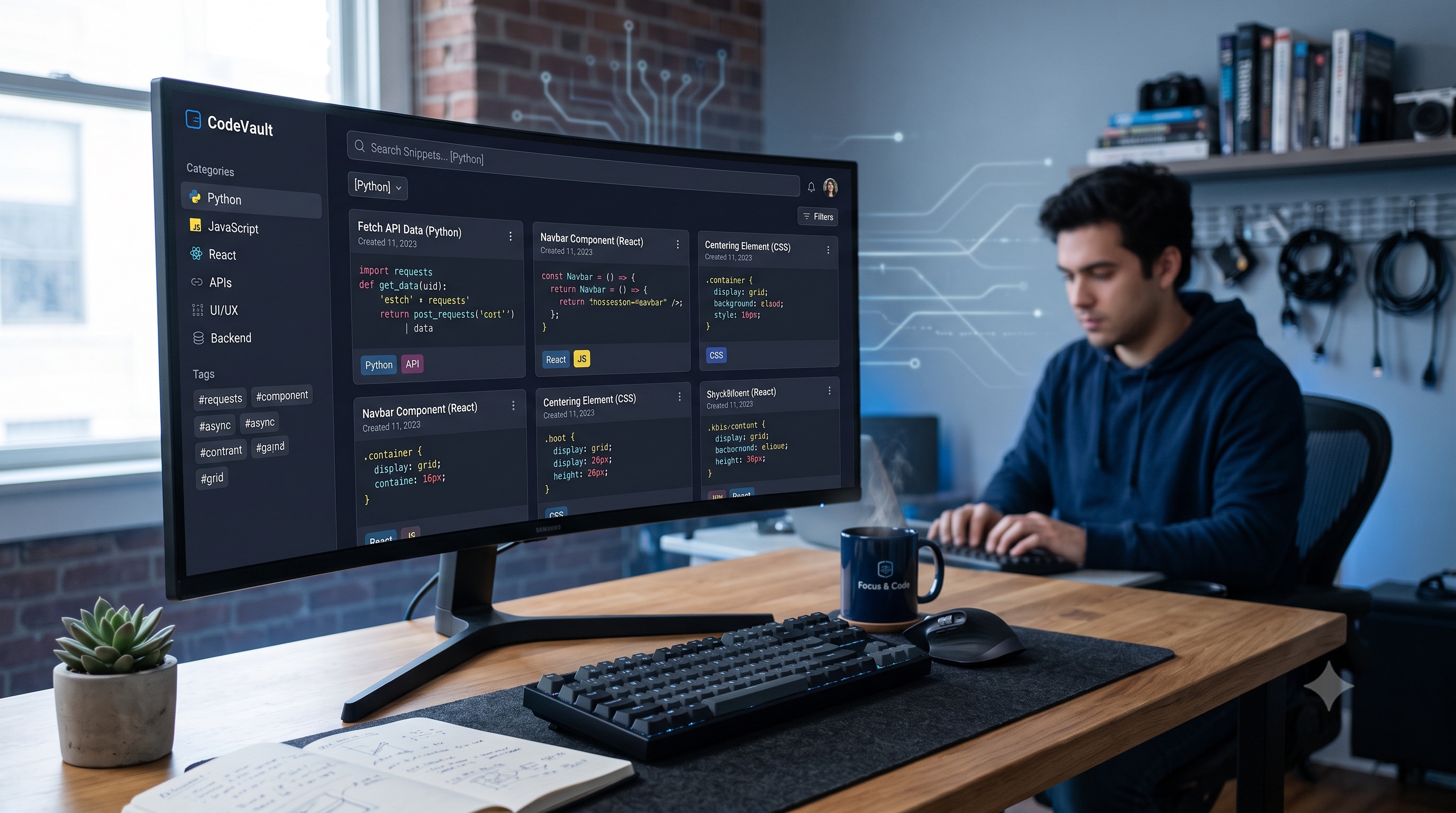
In modern software development, the ability to capture, organize, and reuse small pieces of code is a competitive advantage. Code snippets, which are short, reusable blocks of logic, appear in every project, from quick utility functions to complex query templates. Managing these fragments manually quickly becomes unwieldy, leading to duplicated effort, outdated examples, and lost productivity. A dedicated code snippet manager addresses these challenges by providing a centralized repository, powerful search, version control, and seamless integration with development tools. This article explores the purpose of snippet managers, essential features, leading solutions, and best practices for integrating them into a professional workflow.
Why Use a Code Snippet Manager
Reduce Redundancy
- Central storage eliminates the need to recreate common patterns.
- Searchable libraries help developers locate existing solutions before writing new code.
- Consistent implementation reduces bugs caused by divergent copies.
Accelerate Onboarding
- New team members gain instant access to vetted snippets.
- Documentation embedded in snippets clarifies intent and usage.
- Standardized patterns promote a uniform codebase across the organization.
Enhance Knowledge Sharing
- Teams can contribute improvements, creating a living knowledge base.
- Peer review of snippets ensures quality and security.
- Historical versions preserve the evolution of solutions over time.
Key Features to Look For
Search and Tagging
Effective managers provide full-text search, fuzzy matching, and tag hierarchies. Tags allow categorization by language, framework, or purpose, while keywords enable rapid discovery of relevant fragments.
Version Control
Every edit should generate a new version, preserving the original code and change history. This capability supports rollback, audit trails, and compliance with internal policies.
Syntax Highlighting and Formatting
Built-in language detection and syntax highlighting make snippets readable at a glance. Automatic formatting tools keep code style consistent with project conventions.
Cross‑Platform Sync
Developers work across laptops, desktops, and cloud environments. Real-time synchronization ensures that the latest snippets are available wherever they code.
Integration with IDEs and Editors
Native plugins for popular IDEs such as Visual Studio Code, JetBrains IDEs, and Sublime Text allow insertion of snippets without leaving the editor. Keyboard shortcuts and context‑aware suggestions further streamline the workflow.
Security and Access Controls
Granular permissions let administrators restrict who can view, edit, or delete snippets. Encryption at rest and in transit protects proprietary logic from unauthorized access.
Collaboration Features
Comment threads, rating systems, and usage analytics foster community engagement. Teams can vote on the most effective implementations and track adoption rates.
Popular Code Snippet Managers
1. GitHub Gist
- Hosted on GitHub, providing instant versioning and public or private visibility.
- Supports markdown documentation alongside code.
- Simple web interface, but limited tagging and search capabilities.
2. SnippetsLab (macOS)
- Native macOS application with rich markdown support.
- Advanced tagging, folder hierarchy, and syntax highlighting for over 400 languages.
Sync via iCloud or third-party services.
3. Boostnote
Open-source, cross-platform note-taking app focused on developers.
- Markdown and code block support, customizable themes.
- Community‑driven plugins for extended functionality.
4. CodeBox (Windows)
Windows-focused manager with drag-and-drop organization.
- Integrated Git support for version control.
- Searchable library with tag filters.
5. JetBrains IDE Built‑In Snippets
- Built‑in live templates and custom snippets.
- Context‑aware expansion based on file type.
- Ideal for teams already invested in JetBrains ecosystem.
6. Sourcegraph
Enterprise-grade code search platform that includes snippet storage.
Powerful cross-repo search, security scanning, and policy enforcement.
- Designed for large organizations with complex codebases.
Best Practices for Managing Snippets
Establish a Naming Convention
- Use clear, descriptive titles that include language and purpose.
- Prefix tags with standardized categories such as `lang:python` or `type:regex`.
Document Usage Inline
- Include a brief comment block at the top of each snippet.
- Explain parameters, return values, and any external dependencies.
Review and Refine Regularly
Schedule periodic audits to remove obsolete or insecure snippets.
- Encourage peer review before adding new fragments to the shared library.
Leverage Templates for Repetitive Patterns
- Create parameterized templates for common scaffolding tasks.
- Use placeholder syntax supported by the manager to allow quick customization.
Secure Sensitive Information
- Never store passwords, API keys, or proprietary algorithms in plain text.
- Use environment variable placeholders and reference secure vaults instead.
Align Snippets with Coding Standards
- Apply the same linting and formatting rules used in the main codebase.
- Automate formatting on insertion through IDE plugins.
Integrations and Workflow Automation
CI/CD Pipelines
- Validate snippets against static analysis tools during build.
- Ensure that any referenced external libraries are compatible with the target environment.
Documentation Generators
- Export snippets to markdown or HTML for inclusion in developer portals.
- Link snippets directly from API documentation to provide concrete examples.
ChatOps and Collaboration Tools
- Post snippets to Slack, Microsoft Teams, or Discord using webhook integrations.
- Enable quick sharing of solutions during incident response or code reviews.
Version Control Hooks
Trigger pre-commit hooks that check for outdated snippet references.
- Use Git hooks to automatically sync local snippet libraries with a central repository.
Security Considerations
Enforce role-based access control to limit who can modify production-grade snippets.
- Enable two‑factor authentication for cloud‑based managers.
- Conduct regular penetration testing on the snippet storage service.
- Monitor usage logs for anomalous access patterns.
Conclusion
Code snippet managers transform ad-hoc code reuse into a disciplined, collaborative practice. By centralizing reusable logic, providing robust search, versioning, and security features, and integrating tightly with development environments, these tools boost productivity, reduce errors, and preserve institutional knowledge. Selecting a manager that aligns with team size, platform preferences, and security requirements, while adhering to best practices such as clear naming, thorough documentation, and regular audits, ensures that snippets become an asset rather than a liability. As software development continues to accelerate, a well-implemented snippet management strategy will remain a cornerstone of efficient, high-quality engineering.