
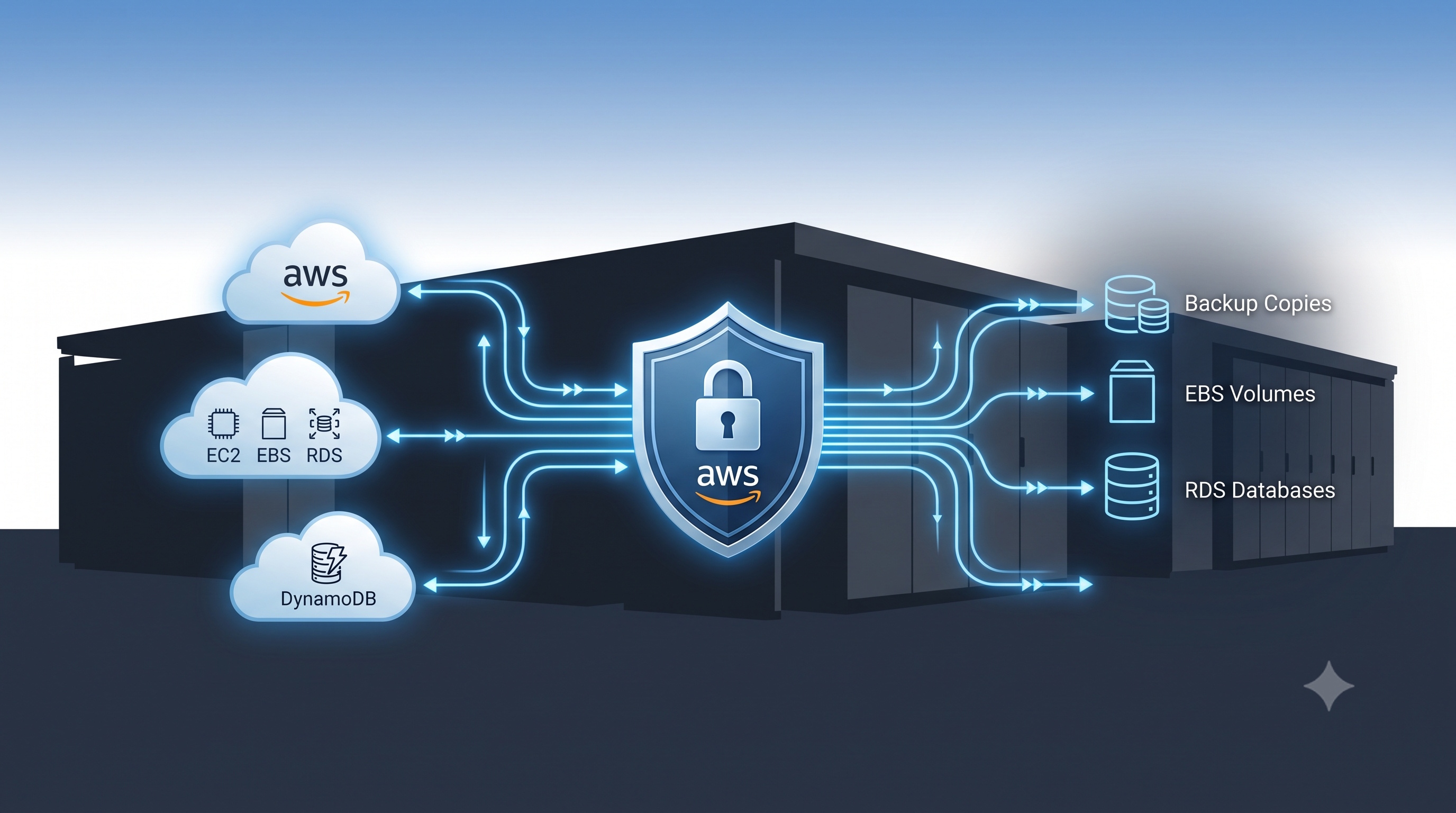
Implementing backups with AWS Backup offers a unified, secure, and automated approach to protecting data across the AWS ecosystem. By understanding the service’s core constructs, aligning backup plans with business RPO and RTO goals, and following proven best practices, organizations can achieve resilient data protection while controlling costs. Continuous monitoring, regular restore testing, and disciplined IAM governance are essential to maintaining a trustworthy backup environment. With these measures in place, teams can focus on innovation rather than worrying about data loss.
Introduction
Data protection is a fundamental requirement for any organization that relies on cloud infrastructure. AWS Backup provides a centralized, fully managed service that simplifies the creation, management, and restoration of backups across a wide range of AWS resources. This article explains how to design and implement a robust backup solution using AWS Backup. It covers the service’s core concepts, strategic planning steps, configuration details, best practices, and common pitfalls to avoid. By following the guidance presented here, architects and engineers can ensure that critical data remains recoverable, compliant, and cost‑effective.
Understanding AWS Backup
Core Concepts
AWS Backup abstracts the backup process into a few key constructs:
- Backup Plan – A reusable template that defines when backups occur, how long they are retained, and what lifecycle actions (such as transition to cold storage) are applied.
- Backup Vault – A secure container that stores backup copies. Vaults support encryption, access policies, and cross‑region replication.
- Recovery Point – An immutable snapshot of a resource at a specific point in time. Recovery points are the objects that can be restored.
- Backup Job – The execution instance of a backup operation. Jobs provide status, progress, and error details.
These constructs enable a consistent workflow regardless of the underlying resource type.
Supported Services
AWS Backup integrates natively with many AWS services, including:
- Amazon Elastic Block Store (EBS) volumes
- Amazon Relational Database Service (RDS) databases
- Amazon DynamoDB tables
- Amazon Elastic File System (EFS) file systems
- Amazon Aurora clusters
- AWS Storage Gateway volumes
- Amazon FSx for Windows File Server and Lustre
Additional services can be added through custom backup selections using AWS Identity and Access Management (IAM) policies.
Planning a Backup Strategy
A well‑designed backup strategy begins with a clear understanding of business requirements and technical constraints.
Identify Critical Data
- List all workloads that store mission‑critical information.
- Categorize data by sensitivity, compliance requirements, and recovery impact.
- Tag resources consistently to simplify selection in backup plans.
Define Recovery Point Objectives (RPO)
- Determine the maximum acceptable data loss for each workload.
- Align backup frequency with RPO; high‑value data may require hourly snapshots, while less critical data can be backed up daily.
Define Recovery Time Objectives (RTO)
- Establish how quickly each workload must be restored after an outage.
- Choose backup storage classes and lifecycle policies that support the required RTO; for example, keep recent recovery points in warm storage for rapid access.
Choose Backup Vaults and Policies
- Separate vaults by environment (production, staging, development) to enforce isolation.
- Enable cross‑region replication for disaster‑recovery scenarios.
- Apply vault access policies that follow the principle of least privilege.
Configuring AWS Backup
Once the strategy is defined, the implementation proceeds through a series of configuration steps.
Creating Backup Plans
1. Open the AWS Backup console and select Create backup plan.
2. Choose a pre‑built template or start from scratch.
3. Define backup windows using cron‑style expressions.
4. Set retention periods for each backup tier (e.g., 30 days in warm storage, 365 days in cold storage).
5. Add lifecycle rules to transition older recovery points automatically.
Assigning Resources
- Use resource assignments to bind AWS resources to a backup plan.
- Leverage tags such as `Backup=true` to automatically include new resources that match the criteria.
- Verify IAM roles have the `aws-backup` service permission to access the selected resources.
Setting Lifecycle Rules
- Configure transition to Amazon S3 Glacier or Glacier Deep Archive after a defined number of days.
- Enable deletion after the final retention period to control storage costs.
- Review lifecycle policies regularly to ensure they align with evolving compliance mandates.
Monitoring and Auditing
- Enable AWS CloudTrail logging for all backup‑related API calls.
- Use Amazon CloudWatch metrics to track backup job success rates, duration, and storage consumption.
- Set up alarms for failed backup jobs or vault size thresholds.
- Generate periodic reports with AWS Backup’s built‑in audit feature to demonstrate compliance.
Best Practices for Reliable Backups
- Use cross‑region replication to protect against regional outages.
- Encrypt data at rest and in transit using AWS Key Management Service (KMS) keys that are rotated regularly.
- Test restore procedures on a scheduled basis; a backup is only valuable if it can be recovered.
- Tag resources consistently to enable automated selection and policy enforcement.
- Separate backup vaults from production accounts to reduce the blast radius of accidental deletions.
- Apply least‑privilege IAM policies to the AWS Backup service role and to users who manage backup configurations.
- Review cost reports monthly to identify unexpected storage growth and adjust retention policies accordingly.
Common Pitfalls and How to Avoid Them
- Over‑provisioning backup frequency leads to unnecessary storage costs; align frequency with actual RPO requirements.
- Ignoring IAM permissions can cause backup jobs to fail silently; validate role policies before scaling up.
- Neglecting retention settings results in either premature data loss or excessive expense; use lifecycle rules to automate retention.
- Relying on a single vault increases risk; distribute backups across multiple vaults and regions.
- Skipping restore tests gives a false sense of security; schedule quarterly drills that simulate real‑world recovery scenarios.
Conclusion
Implementing backups with AWS Backup offers a unified, secure, and automated approach to protecting data across the AWS ecosystem. By understanding the service’s core constructs, aligning backup plans with business RPO and RTO goals, and following proven best practices, organizations can achieve resilient data protection while controlling costs. Continuous monitoring, regular restore testing, and disciplined IAM governance are essential to maintaining a trustworthy backup environment. With these measures in place, teams can focus on innovation rather than worrying about data loss.