

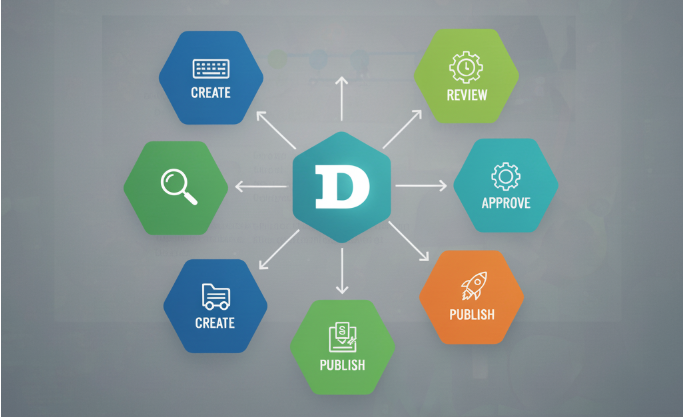
For teams producing a lot of content, Drupal 10’s workflow tools are a game-changer. Instead of guessing what’s ready or worrying about publishing errors, you get a clear process that everyone follows. It’s flexible, easy to set up, and ensures content goes live only when it’s truly ready.
When a site is handled by multiple people/teams —writing, editing, and publishing—things can get confusing fast. Without some structure, drafts get lost, articles go live too soon, or nobody knows what’s ready. Drupal 10 provides a solution through its built-in content workflow system, which streamlines teamwork and enhances content management reliability.
Understanding Workflows
Think of a workflow as a roadmap for your content. Instead of going straight from “written” to “published,” you can create stages like Draft → Review → Published. Each step tells your team what needs to happen next. Writers can focus on producing content, editors handle revisions, and publishers make the final call.
Why They Matter
Workflows aren’t just a fancy feature—they solve real problems. Here’s why they’re worth using:
- • Clear teamwork: Everyone knows the current status of a page or content.
- • Fewer mistakes: Nothing gets published without someone checking it first.
- • Custom fit: You can design states that match your needs, such as Draft, For Review, Published, or even Archived.
In short, workflows help you stay organized, keep quality high, and reduce stress for the whole team.
Setting Up a Workflow in Drupal 10
The nice thing is that you don’t need to write any code to get started. Drupal’s admin interface makes it straightforward:
- 1. Activate the Workflows module – It’s already part of Drupal core, so just enable it.
- 2. Build a workflow – In the configuration section, create a new workflow.
- 3. Add your stages – Define steps like Draft, In Review, or Published.
- 4. Create transitions – Decide how content moves from one stage to the next (e.g., Draft → In Review).
- 5. Assign the workflow – Attach it to the content types you want, such as blog posts or pages.
From there, whenever someone edits a piece of content, they’ll see options for which stage it should move to.
For teams producing a lot of content, Drupal 10’s workflow tools are a game-changer. Instead of guessing what’s ready or worrying about publishing errors, you get a clear process that everyone follows. It’s flexible, easy to set up, and ensures content goes live only when it’s truly ready.
If you haven’t tried workflows on your Drupal site yet, it’s worth experimenting—you’ll quickly see how much smoother collaboration becomes.
Bonus! A Quick Setup Checklist
Here’s a simple list to get you moving:
✅ Enable Workflows and Content Moderation modules.
✅ Create a new workflow under Configuration → Workflow.
✅ Add the states you need (Draft, For Review, Published, etc.).
✅ Define transitions between those stages. (Draft to Published, Published to Archived, etc.)
✅ Attach the workflow to your content types (articles, news, etc.).
✅ Test it with sample content before rolling it out site-wide.