

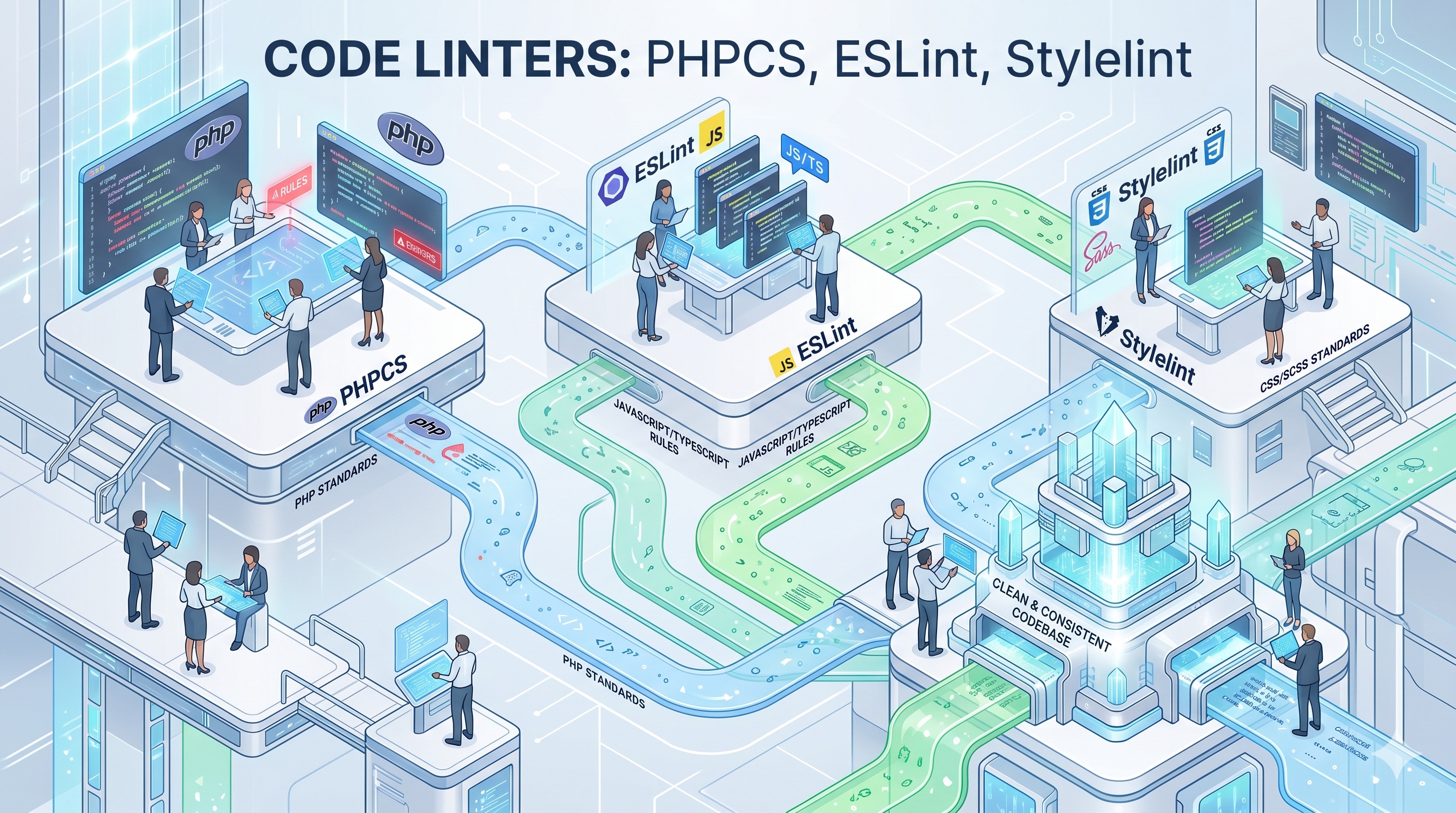
Code linters are essential tools in the software development process, ensuring that code is written in a consistent, readable, and maintainable manner. PHPCS, ESLint, and Stylelint are three popular code linters that can help developers identify and fix errors, enforce coding standards, and improve the overall quality of the codebase. By integrating code linters into development workflows, developers can catch errors early in the development cycle, reducing the likelihood of downstream problems and improving overall code quality. Whether you are working on a small project or a large-scale enterprise application, code linters are an essential tool to have in your toolkit.
Introduction to Code Linters
Code linters are essential tools in the software development process, ensuring that code is written in a consistent, readable, and maintainable manner. They help developers identify and fix errors, enforce coding standards, and improve the overall quality of the codebase. In this article, we will explore three popular code linters: PHPCS, ESLint, and Stylelint, their features, and how they can be integrated into development workflows.
What are Code Linters?
Code linters are static analysis tools that examine code for potential errors, warnings, and coding standard violations. They can be used for a variety of programming languages, including PHP, JavaScript, and CSS. Code linters can be run manually or integrated into continuous integration and continuous deployment (CI/CD) pipelines to automate the code review process. By using code linters, developers can catch errors early in the development cycle, reducing the likelihood of downstream problems and improving overall code quality.
PHPCS: PHP Code Sniffer
Overview of PHPCS
PHPCS, also known as PHP_CodeSniffer, is a popular code linter for PHP. It is designed to detect and report on coding standard violations, such as inconsistent indentation, incorrect syntax, and unused variables. PHPCS supports a wide range of coding standards, including PSR-2, WordPress, and Drupal. It can be run from the command line or integrated into popular IDEs like PHPStorm and Sublime Text.
Features of PHPCS
Some of the key features of PHPCS include:
- Coding standard detection: PHPCS can detect and report on coding standard violations, such as inconsistent indentation and incorrect syntax.
- Customizable rules: PHPCS allows developers to create custom rules and coding standards to suit their specific needs.
- Integration with CI/CD pipelines: PHPCS can be integrated into CI/CD pipelines to automate the code review process.
- Support for multiple coding standards: PHPCS supports a wide range of coding standards, including PSR-2, WordPress, and Drupal.
ESLint: JavaScript Linter
Overview of ESLint
ESLint is a popular code linter for JavaScript. It is designed to detect and report on coding standard violations, such as inconsistent indentation, incorrect syntax, and unused variables. ESLint supports a wide range of coding standards, including Airbnb, Google, and Standard. It can be run from the command line or integrated into popular IDEs like Visual Studio Code and Sublime Text.
Features of ESLint
Some of the key features of ESLint include:
- Coding standard detection: ESLint can detect and report on coding standard violations, such as inconsistent indentation and incorrect syntax.
- Customizable rules: ESLint allows developers to create custom rules and coding standards to suit their specific needs.
- Integration with CI/CD pipelines: ESLint can be integrated into CI/CD pipelines to automate the code review process.
- Support for multiple coding standards: ESLint supports a wide range of coding standards, including Airbnb, Google, and Standard.
Stylelint: CSS Linter
Overview of Stylelint
Stylelint is a popular code linter for CSS. It is designed to detect and report on coding standard violations, such as inconsistent indentation, incorrect syntax, and unused selectors. Stylelint supports a wide range of coding standards, including Standard and CSS-in-JS. It can be run from the command line or integrated into popular IDEs like Visual Studio Code and Sublime Text.
Features of Stylelint
Some of the key features of Stylelint include:
- Coding standard detection: Stylelint can detect and report on coding standard violations, such as inconsistent indentation and incorrect syntax.
- Customizable rules: Stylelint allows developers to create custom rules and coding standards to suit their specific needs.
- Integration with CI/CD pipelines: Stylelint can be integrated into CI/CD pipelines to automate the code review process.
- Support for multiple coding standards: Stylelint supports a wide range of coding standards, including Standard and CSS-in-JS.
Integrating Code Linters into Development Workflows
Code linters can be integrated into development workflows in a variety of ways, including:
- Command line: Code linters can be run from the command line to manually check code for errors and warnings.
- IDE integration: Code linters can be integrated into popular IDEs like PHPStorm, Visual Studio Code, and Sublime Text to provide real-time feedback and error detection.
- CI/CD pipelines: Code linters can be integrated into CI/CD pipelines to automate the code review process and ensure that code meets coding standards before it is deployed to production.