

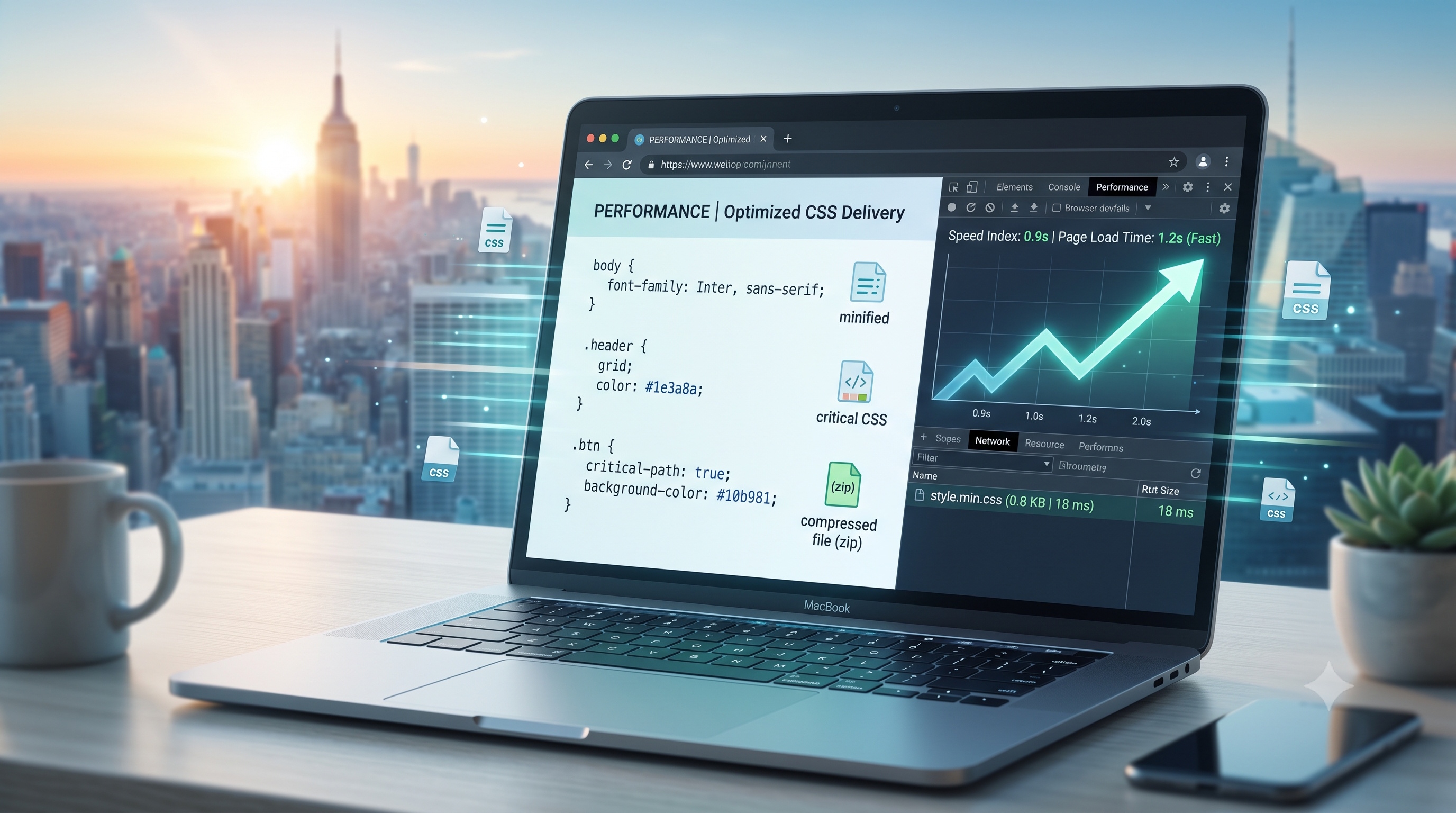
Efficient CSS delivery is vital for web performance. Suboptimal delivery slows page rendering, degrades user experience, and can hurt search engine rankings. This guide provides a step-by-step approach to optimizing CSS delivery by covering performance impacts, proven techniques, essential tools, and a practical checklist.
Understanding the Impact of CSS on Page Performance
Why CSS Matters
- CSS is a render-blocking resource. Browsers must download and parse stylesheets before painting the screen.
- Large or poorly structured stylesheets increase the time to first paint (TTFP) and time to interactive (TTI).
- Excessive CSS can inflate the amount of data transferred, especially on mobile networks with limited bandwidth.
When CSS is not optimized, the critical rendering path becomes longer, leading to higher bounce rates and lower conversion metrics.
Strategies for Efficient CSS Delivery
Inline Critical CSS
Critical CSS includes only the rules needed for above-the-fold content. Inlining this subset into the HTML <head> allows the browser to paint without waiting for external stylesheets.
- Identify above-the-fold elements using mockups or viewport analysis.
- Extract the necessary selectors and declarations.
- Place the extracted CSS inside a `<style>` tag in the document head.
Inlining eliminates an HTTP request and reduces network latency.
Asynchronous Loading of Non-Critical CSS
Load the remaining stylesheet asynchronously after rendering critical CSS. This prevents blocking while ensuring styles apply once the file is available.
- Use the `rel="preload"` attribute with `as="style"` to hint the browser about the upcoming stylesheet.
- Follow the preload with a standard `<link rel="stylesheet">` that includes an `onload` handler to apply the stylesheet after it has been fetched.
- Provide a `<noscript>` fallback for users with JavaScript disabled.
Asynchronous loading allows the browser to continue parsing the HTML while the stylesheet downloads in the background.
Minification and Compression
Minification removes unnecessary characters like whitespace and comments. Compression (such as gzip or Brotli) reduces the file size for transmission.
- Minify stylesheets using tools like cssnano, clean-css, or your build tool optimizer.
- Enable server‑side compression for CSS assets. Most modern web servers support gzip and Brotli out of the box.
- Verify the compressed size using tools such as `curl -I` or browser network panels.
Minification and compression can reduce stylesheet size by 30-50 percent, improving load times.
Leveraging HTTP/2 and Server Push
HTTP/2 introduces multiplexing, header compression, and server push capabilities that can further streamline CSS delivery.
- Consolidate multiple CSS files into a single bundle when possible to reduce request overhead.
- Use server push to proactively send critical CSS to the client after the initial HTML response.
- Monitor push usage with browser devtools to avoid over‑pushing resources that the client already has cached.
When configured correctly, HTTP/2 reduces latency and improves the efficiency of CSS delivery.
Tools and Techniques for Auditing CSS
Browser DevTools
- Coverage panel – Shows unused CSS rules to help prune dead code.
- Network panel – Displays request timing, size, and compression status for each stylesheet.
- Performance panel – Visualizes the impact of CSS on the rendering timeline.
Regularly reviewing these panels during development ensures that CSS remains lean and performant.
Automated Auditing Tools
- Lighthouse – Generates a performance report with specific recommendations for CSS delivery.
- WebPageTest – Provides waterfall charts and visual comparisons of render times.
- CSS Stats – Analyzes selector complexity, specificity, and file size.
Integrate these tools into continuous integration pipelines to catch regressions early.
Best Practices Checklist
- Identify and inline critical CSS for above-the-fold content.
- Load non‑critical CSS asynchronously using preload and onload techniques.
- Minify all CSS files before deployment.
- Enable gzip or Brotli compression on the server.
- Consolidate multiple stylesheets where feasible to reduce request count.
- Use HTTP/2 server push for critical assets, but monitor for redundancy.
- Regularly audit unused CSS with the Coverage panel.
- Run Lighthouse audits on every major release.
- Keep selector specificity low to improve maintainability.
- Document the CSS optimization process for team members and future projects.
Following this checklist helps maintain a fast, reliable user experience across devices and network conditions.
Conclusion
Optimizing CSS delivery is an ongoing discipline of design, coding, and monitoring. By inlining critical styles, loading assets asynchronously, and using minification and HTTP/2, developers can reduce render-blocking time. Regular audits ensure stylesheets remain efficient as applications evolve, leading to better performance and user satisfaction.