

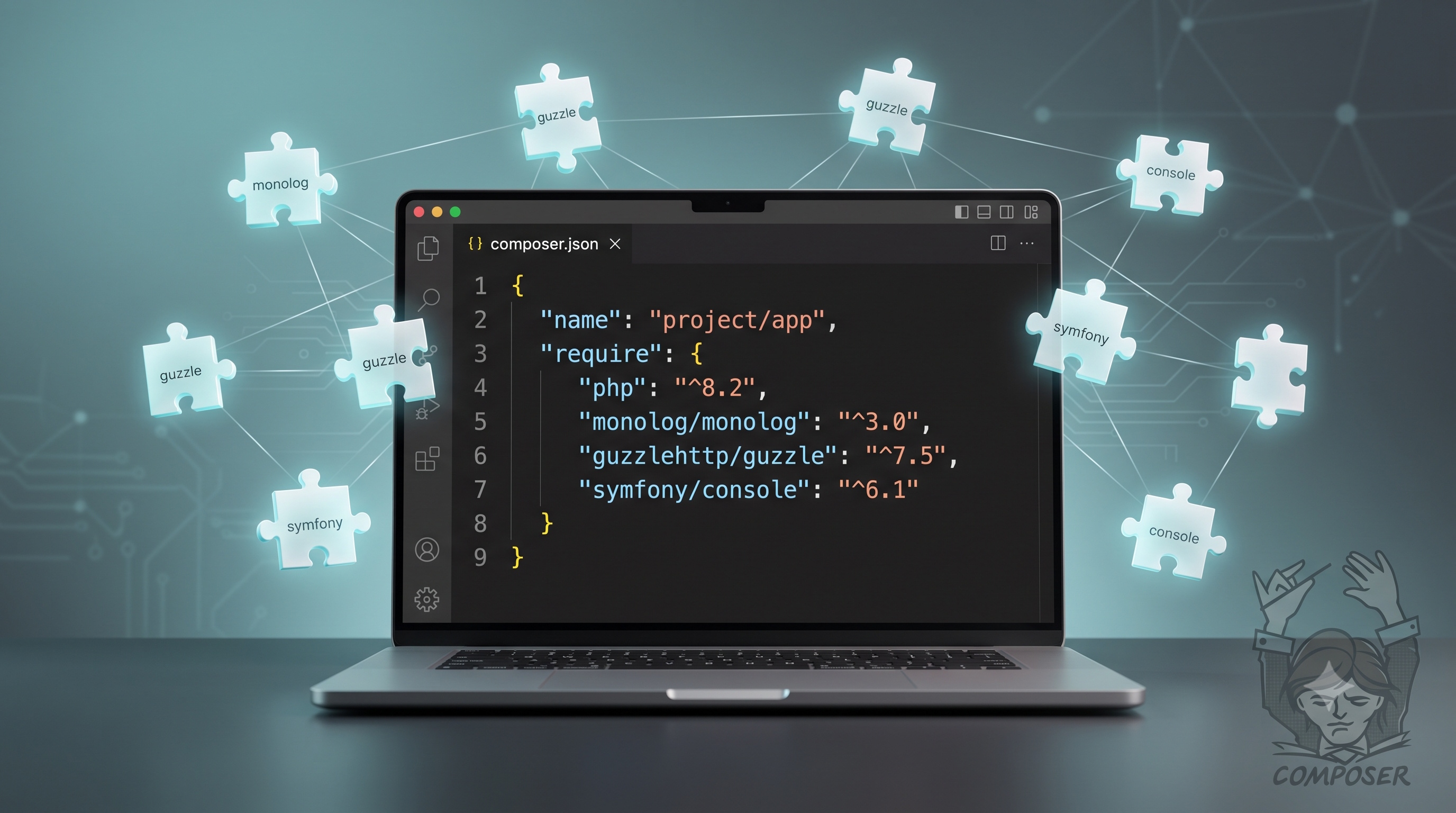
Composer has become the de‑facto standard for PHP dependency management. By defining precise version constraints, committing the lock file, and following a disciplined workflow, development teams can achieve reproducible builds, reduce security risk, and streamline collaboration. Integrating Composer commands into continuous integration pipelines, automating security audits, and adhering to best practices ensures that a project remains maintainable as it scales. Mastery of Composer is therefore essential for any professional PHP developer who wishes to deliver reliable, secure, and performant applications.
Introduction
Modern PHP applications rely on a growing ecosystem of reusable libraries. Managing these libraries manually quickly becomes error‑prone, especially when projects evolve across multiple environments and team members. Composer provides a standardized, automated solution for declaring, installing, and updating third‑party code. This article explains how Composer works, outlines best practices for dependency management, and offers practical guidance for teams that want to keep their codebases stable and secure.
Why Composer Matters
- Consistency – Composer locks exact versions of every package, ensuring that every developer and every deployment uses the same code.
- Transparency – All required libraries are listed in a single manifest file, making it easy to audit third‑party code.
- Automation – Installation, updates, and removal are performed with a single command, reducing manual steps and the risk of human error.
- Community Support – Over 300,000 packages are available on Packagist, the default repository, giving developers immediate access to proven solutions.
Core Concepts
Packages and Repositories
Composer treats each reusable library as a package identified by a vendor name and a package name (for example, `symfony/console`). Packages are stored in repositories; the default repository is Packagist, but private or self‑hosted repositories can be added for internal code.
The `composer.json` Manifest
The `composer.json` file is the heart of a Composer‑managed project. It declares:
- Required packages and version constraints
- Development‑only packages
- Autoloading rules
- Scripts that run at various stages of the installation process
The `composer.lock` File
When Composer resolves dependencies, it writes the exact versions to `composer.lock`. This file should be committed to version control. Running `composer install` on any machine reads `composer.lock` and reproduces the exact dependency tree, while `composer update` refreshes the lock file based on the constraints in `composer.json`.
Installing Composer
1. Download the installer script from the official website.
2. Verify the installer’s SHA‑384 hash.
3. Run the installer with PHP.
4. Move the resulting `composer.phar` to a directory that is in your system’s `PATH`, optionally renaming it to `composer`.
On most Unix‑like systems the command sequence looks like this:
```bash
php -r "copy('https://getcomposer.org/installer', 'composer-setup.php');"
php -r "if (hash_file('sha384', 'composer-setup.php') === 'INSERT_HASH_HERE') { echo 'Installer verified'; } else { echo 'Installer corrupt'; unlink('composer-setup.php'); } echo PHP_EOL;"
php composer-setup.php
php -r "unlink('composer-setup.php');"
mv composer.phar /usr/local/bin/composer
```
After installation, verify the version with `composer --version`.
Defining Dependencies
Basic Requirement Syntax
Add a package with a simple command:
```bash
composer require vendor/package
```
Composer automatically updates `composer.json` and `composer.lock`. The version constraint defaults to the latest stable release.
Specifying Version Constraints
Composer supports several constraint operators:
- Exact version: `1.2.3`
- Minimum version: `>=1.2.0`
- Caret operator: `^1.2` (allows updates that do not change the left‑most non‑zero digit)
- Tilde operator: `~1.2.3` (allows patch‑level updates)
- Wildcard: `1.2.*` (any patch version)
Choosing the appropriate constraint balances stability with the ability to receive bug fixes.
Development Dependencies
Packages needed only for testing, linting, or building should be installed with the `--dev` flag:
```bash
composer require --dev phpunit/phpunit ^9.5
```
These packages appear under the `require-dev` section of `composer.json` and are omitted when the `--no-dev` flag is used during production deployment.
Managing Packages
Adding and Removing Packages
- Add: `composer require vendor/package`
- Remove: `composer remove vendor/package`
Both commands adjust the manifest and lock file automatically.
Updating Packages
Running `composer update vendor/package` updates the specified package and any of its dependencies that satisfy the version constraints. To update the entire project, omit the package name:
```bash
composer update
```
After an update, test the application thoroughly before committing the new `composer.lock`.
Auditing for Security Vulnerabilities
Composer includes the `audit` command, which checks installed packages against known security advisories:
```bash
composer audit
```
Integrate this step into continuous integration pipelines to catch vulnerable dependencies early.
Autoloading
Composer generates an optimized autoloader based on the `autoload` section of `composer.json`. Common autoloading strategies include:
- PSR‑4: Maps a namespace prefix to a directory.
- Classmap: Scans specified directories for class files.
- Files: Includes a list of files unconditionally.
Example PSR‑4 configuration:
```json
{
"autoload": {
"psr-4": {
"App\\": "src/"
}
}
}
```
After modifying the autoload section, run `composer dump-autoload` to rebuild the autoloader. For production, use the `--optimize` flag to create a class map that improves performance.
Best Practices
- Commit `composer.lock` – Guarantees reproducible builds across environments.
- **Prefer caret (`^`) constraints** – Allows non‑breaking updates while protecting against major version changes.
- Separate development and production dependencies – Reduces the attack surface and deployment size.
- Run `composer install --no-dev --optimize-autoloader` in production – Installs only required packages and creates an optimized autoloader.
- Use semantic versioning – Trust the versioning scheme of well‑maintained packages; avoid pinning to exact versions unless a specific bug forces it.
- Automate audits – Include `composer audit` in CI pipelines and fail builds on high‑severity findings.
- Leverage scripts – Define pre‑install, post‑install, and other lifecycle scripts in `composer.json` to automate tasks such as database migrations or cache clearing.
Common Pitfalls and How to Avoid Them
- Ignoring the lock file – Running `composer update` on a production server can introduce untested versions. Always use `composer install`.
- Overly permissive constraints – Using `*` or `dev-master` can cause breaking changes to appear unexpectedly. Stick to caret or tilde constraints.
- Mixing global and project‑level installations – Global Composer packages are not part of the project’s dependency graph and can lead to version conflicts. Install tools locally and reference them via vendor binaries.
- Neglecting PHP version compatibility – Some packages require a minimum PHP version. Define the `php` requirement in `composer.json` to prevent incompatible installations.
- Forgetting to clear caches after updates – Symfony, Laravel, and other frameworks cache compiled files. Clear caches after major dependency changes to avoid stale code.
Conclusion
Composer has become the de‑facto standard for PHP dependency management. By defining precise version constraints, committing the lock file, and following a disciplined workflow, development teams can achieve reproducible builds, reduce security risk, and streamline collaboration. Integrating Composer commands into continuous integration pipelines, automating security audits, and adhering to best practices ensures that a project remains maintainable as it scales. Mastery of Composer is therefore essential for any professional PHP developer who wishes to deliver reliable, secure, and performant applications.